
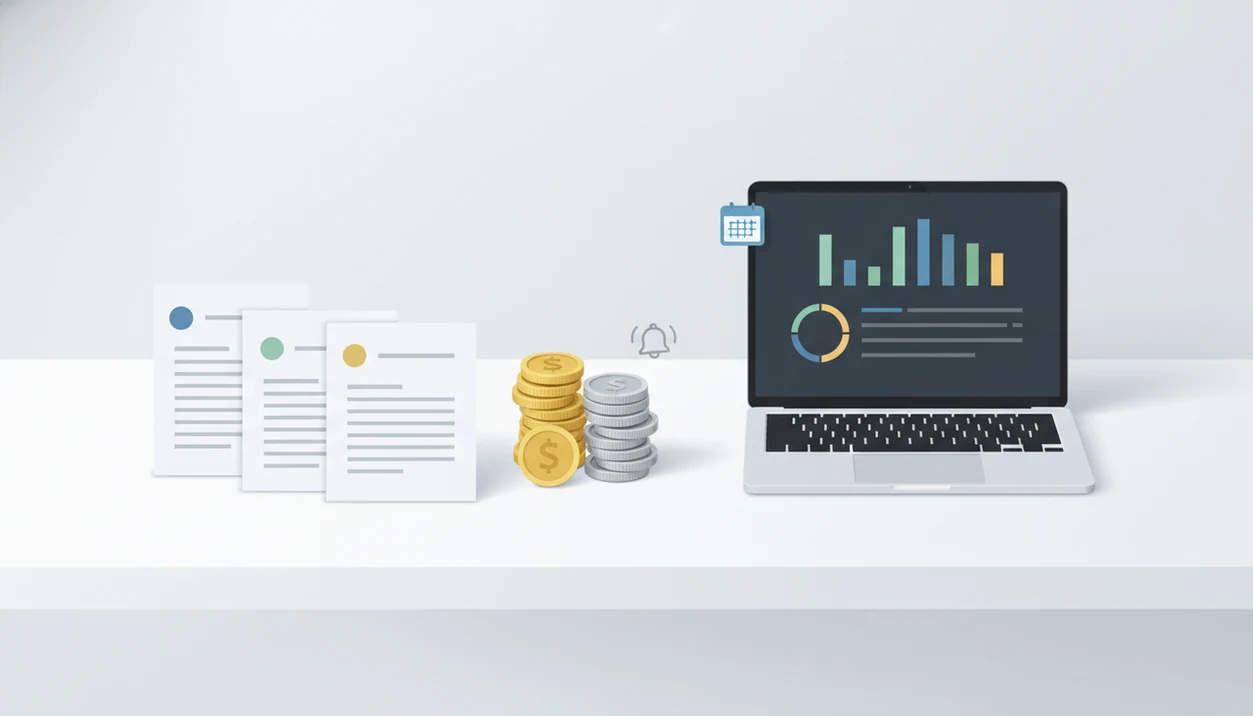
Definition: An invoice payment tracking app is a tool that monitors the full lifecycle of every invoice, from sent and viewed to partially paid, paid, or overdue, so freelancers and small businesses can manage cash flow without separate spreadsheets or accounting software.
At a Glance: Invoice Payment Status Tracking Features
- An invoice payment tracking app tracks what happens after the PDF is created, not just the invoice document itself.
- Useful status labels include sent, viewed, paid, unpaid, overdue, and partial, so you don't guess from a bank feed.
- Automatic reminders can be scheduled before and after the due date, which keeps follow-up from living in your memory.
- Payment processor connections can update the payment status when a client pays through a card, bank, or wallet link.
- A good mobile invoice workflow works from a phone or laptop, so the paid stamp is visible when you're between jobs.
A basic PDF generator can make a clean invoice, but it usually stops once the file is exported. the app bundles invoice creation, PDF sending, payment status tracking, reminders, and reports in one place, which is the difference between “I sent it” and “I know what happened next.”
The paid stamp matters after lunch.
Invoice Payment Tracking Workflow From Sent to Paid
Invoice payment tracking works by moving each invoice through a simple lifecycle: created, sent, viewed, partially paid, paid, or overdue. The status changes when a client opens the invoice link, completes a payment, or when you manually mark the invoice as paid.
Under the hood, the useful part is event tracking. Payment processor webhooks can tell the invoice record when money has been authorized, captured, or settled. In plain language, the app listens for payment activity and updates the invoice status without you checking three places.
If a due date passes with no payment recorded, reminder rules can trigger an email or notification. That replaces the old routine of checking Gmail, opening a bank app, and searching last year's customer tab in a spreadsheet.
For freelancers, track invoice payments from the same place you create invoices because the invoice number, due date, client record, and payment status stay tied together.
5 Steps to Track Invoice Payments in Invoice Maker Teo
Use the app to track invoice payments by creating the invoice, sending it through the app, watching the dashboard, setting reminders, and reviewing paid versus unpaid totals.
- Create an invoice by adding the client, line items, invoice number, tax line if needed, and due date.
- Send the invoice from the app by email or share link, then save the PDF copy for your records.
- Monitor the dashboard for sent, viewed, paid, unpaid, overdue, and partial payment status.
- Set automatic payment reminders before and after due dates, especially for net-15 or net-30 clients.
- Review reports to compare paid totals, unpaid totals, and expected income by week or client.
When a client says, “Can you resend that invoice?”, the dashboard keeps you from hunting through old email threads. Open the client record, confirm the unpaid status, and send the PDF copy again from your phone.
Unpaid Invoice Follow-Up Timing for Freelancers
Unpaid invoice tracking matters most when payment timing is tied to milestones, retainers, deposits, or net-30 terms. According to the Federal Reserve's 2021 Small Business Credit Survey, 54% of U.S. small businesses were frequently affected by late customer payments, and 39% said late payments hurt cash flow (https://www.fedsmallbusiness.org/survey/2021/report-on-employer-firms).
Freelancers usually need a softer follow-up rhythm than large vendors. A reminder one day before the due date feels different from a sharp message two weeks late. the app fits that relationship-sensitive workflow because reminders can be tied to the invoice status instead of drafted from scratch each time.
Partial payment tracking also prevents awkward disputes. If a client pays the deposit, then leaves the final balance open, the remaining amount should be visible without doing math from old receipts. For deeper cleanup, it helps to find partial payments before sending a stronger overdue note.
A polite reminder drafted in the van is still business.
Cash Flow Visibility Data for Small Businesses
Payment tracking turns invoices into a simple cash-flow view: what has been paid, what is expected, and which client may need a follow-up this week. The U.S. Bureau of Labor Statistics reports that about 20% of small businesses fail within the first year and about 50% within five years (https://www.bls.gov/bdm/usagenaics00table7.txt).
Cash timing is one reason this matters. In a Federal Reserve survey of employer firms, 64% said improved cash flow management, including getting paid faster, was very important for financial health (https://www.fedsmallbusiness.org/survey). A separate Federal Reserve study of 1.3 million small businesses found that firms with positive cash flow were significantly more likely to survive and grow than firms with frequent cash shortfalls.
The app helps solo workers read that picture without building a workbook. You can sort expected income by week, client, or payment status, then decide which invoice needs attention. For a small service business, payment visibility usually depends more on consistent status updates than on a complicated accounting setup.
Invoice Maker Teo Dashboard for Payment Tracking
The app shows payment status in a dashboard built around paid, unpaid, overdue, and partial invoices. Color-coded labels make the list scannable when you're looking at a phone between calls.
Filters let you sort by status, client, or date. That matters when one customer has three open invoices and only one is late. Tap the overdue invoice, review the invoice number and due date, then send a reminder without rebuilding the message.
The app also keeps PDF generation and status tracking close together. You can export a clean PDF, send it through Gmail, Outlook, WhatsApp, or Messages, then return later to check whether it was paid. If overdue work is the main pain point, a dashboard that helps you check overdue invoices is usually more useful than another folder of downloaded PDFs.
Invoice Payment Tracking App vs. Spreadsheets and PDF Generators
An invoice payment tracking app is different from a spreadsheet or basic PDF generator because it updates invoice status, sends reminders, and connects payment activity to the original client record.
| Option | What it does well | Where it breaks down |
|---|---|---|
| Spreadsheet | Flexible columns for client, invoice number, due date, and amount | Manual entry, no client notifications, no automatic reminders, and easy phone mistakes |
| Basic PDF generator | Creates a professional-looking invoice file | Usually gives zero post-send visibility after the PDF is emailed |
| Dedicated tracking app | Combines invoice status, reminders, reports, and payment links | May include payment processing fees or feature limits by plan |
A freelancer handling 10 to 20 invoices per month can often save a few hours each week by avoiding duplicate entry, reminder drafting, and bank-statement checks. Good invoice maker app for freelancers and small businesses to create, send, and track invoices and estimates deliver a repeatable billing workflow, not enterprise accounting complexity.
Invoice Maker Teo Features for Freelancers
The app supports nearby billing jobs that usually sit next to payment tracking: estimates, recurring invoices, branded PDFs, reminders, and income reports. That keeps the next invoice easy when the same client comes back.
Create an estimate on-site, add notes or job details, then convert it into an invoice after approval. A contractor can record wet driveway notes after rain, attach the work detail, and avoid retyping the same line item later.
Retainer clients can be handled with recurring invoices, while one-off jobs can use customized PDF copies with a logo at the top and payment terms in the notes field. For repeat work, a recurring invoice app can reduce the number of invoices rebuilt from memory each month.
Limitations
The app can organize payment follow-up, but it can't remove every billing problem. A tracking screen is only useful when the invoice terms, client details, and payment records are accurate.
- Invoice Maker Teo cannot force a client to pay; it only shows who is late and helps automate reminders.
- In-app notifications should not replace checking your bank or payment processor for failed, reversed, or disputed payments.
- Automated reminders can annoy high-value clients if the timing or message sounds too aggressive.
- Some apps, including competitors such as FreshBooks, Wave, Zoho Invoice, and Invoice2go, may involve card or online payment processing fees.
- No unpaid invoice app replaces basic financial skills; you still need to set rates, track expenses, and understand taxes.
- Manual mark-as-paid actions can create errors if someone forgets to update the invoice after an offline payment.
- Reports are useful for income summaries, but they are not a substitute for formal bookkeeping or tax advice.