
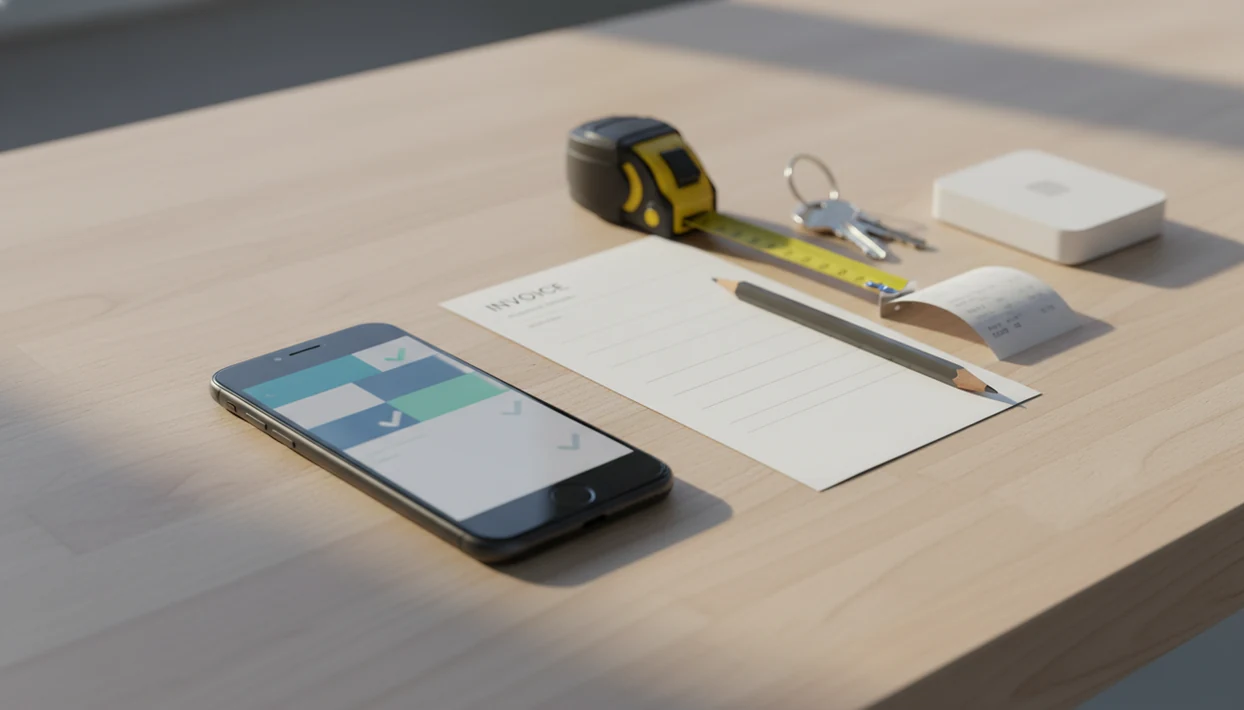
> Invoice Maker Teo is an invoice maker app that creates invoices, estimates, PDFs, reminders, and payment tracking for freelancers and small businesses.
- Create professional invoices, estimates, and PDFs from your iPhone in minutes
- Send invoices immediately via email or text after finishing a job on-site
- Track payments, set reminders, and manage customer records without a desktop
5 Features That Matter in an iPhone Invoice Maker App
- Invoice creation: A useful iPhone invoice maker should capture customer info, invoice number, due date, line items, taxes, and payment terms without making you pinch tiny spreadsheet cells on a phone.
- Estimate workflow: A good estimate workflow lets you create estimates before the work starts, then reuse the same job details when it is time to invoice.
- PDF export: A clean PDF copy matters because clients often forward invoices to an office manager, bookkeeper, or payment portal.
- Payment tracking: The unpaid status should be visible without searching Gmail after a client says, “Can you resend that invoice?”
- Reminders: Polite follow-up should take seconds, not require rewriting the same message in the van between jobs.
The right fit for on-site billing keeps invoices, estimates, PDF sharing, payment status, and reminders inside one mobile workflow.
Good invoice maker apps create clear billing documents and payment follow-up records, not full accounting systems with payroll, inventory, and multi-entity ledgers.
Minimum Requirements for the Invoice App on iOS
Before installing an invoice app iOS users should check device compatibility, App Store access, and the business details needed for the first invoice. Most recent iPhone models that support current iOS versions can run modern invoicing apps, but the App Store listing is the final place to confirm requirements.
You will also need a basic internet connection for email delivery, cloud sync, account sign-in, and some sharing actions. Local drafting may work without service, but sending usually waits until the phone reconnects.
Have your business name, address, logo, tax ID if applicable, default tax rate, and payment terms ready. A missing invoice number or yesterday’s copied due date slows down the first send. If you want a broader walkthrough before installing, our guide on how to make invoice on iPhone covers the same setup from a first-document angle.
How Mobile Invoicing Works on iPhone
Mobile invoicing on iPhone works by turning structured billing data into a formatted invoice PDF that can be sent through iOS sharing tools. You enter client details, line items, quantities, rates, tax rates, and payment terms into fields instead of laying out a document manually.
Under the hood, the app stores those records in a local or cloud-synced database. That simply means the client record, invoice number, payment status, and reminder history stay attached to the invoice instead of living in separate text messages and email threads.
The invoice template generates a formatted PDF copy that you can share through email, Messages, WhatsApp, or other iOS share options. The tax line sits below the subtotal. The notes field holds payment terms.
After final file delivery, when the client asks for the invoice before closing their laptop, the same-phone workflow helps because the PDF can be previewed, sent, and tracked without reopening a desktop system.
For freelancers and service businesses, mobile invoicing is often easier than desktop accounting because the job details are still fresh when the invoice is created.
How to Create an Invoice With Invoice Maker Teo on iPhone
Use this iPhone workflow when you need to create and send the invoice before the job details fade. Invoice Maker Teo is built for the short path from finished work to PDF copy.
- Download Invoice Maker Teo from the App Store, then add your business name, address, logo, tax details if needed, and default payment terms.
- Tap to create a new invoice, then select an existing client or add a new client record.
- Add line items with quantities, rates, taxes, discounts if needed, and a clear due date.
- Preview the PDF and check the invoice number, client spelling, notes field, and payment instructions.
- Send the invoice by email or text directly from the app using your iPhone sharing options.
- Track payment status and set reminders when an invoice becomes overdue.
Keep the next invoice easy.
If you need the same process explained outside this app, the general how to make invoice on phone guide covers the reusable parts of mobile billing.
Mobile Invoicing Needs for 33.2 Million U.S. Small Businesses
Mobile invoicing matters because many small businesses do not have a billing desk, a finance department, or time to retype job details at night. The SBA Office of Advocacy reported 33.2 million U.S. small businesses in 2022: https://advocacy.sba.gov/2022/08/31/2022-small-business-profile-for-the-united-states/. Businesses with fewer than 20 employees accounted for 97.2% of U.S. employer firms in 2021, according to Census SUSB data: https://www.census.gov/programs-surveys/susb.html. Pew Research reports that 91% of U.S. adults own a smartphone, which helps explain why an invoice app iOS workflow now feels normal for many owners: https://www.pewresearch.org/internet/fact-sheet/mobile/.
A garage outlet tested before quoting. A client pointing at a broken fence. A cleaner leaving a weekly service note under a magnet. These are billing moments, not back-office moments.
Small business owners trying to bill between appointments can use Invoice Maker Teo because saved clients, line items, due dates, and PDF export reduce the time between “job done” and “invoice sent.”
Speed-to-invoice usually depends more on capturing accurate job details immediately than on using a larger accounting platform later.
Invoice Maker Teo vs Other iPhone Invoice Makers
Invoice Maker Teo focuses on simple iPhone billing for freelancers and small businesses, while some competitors add broader accounting or business-management features. That can be helpful, but it can also add screens you do not need when the client is waiting for a total.
| iPhone invoice maker | Invoices | Estimates | PDF export | Payment tracking | Reminders | Pricing model notes |
|---|---|---|---|---|---|---|
| Invoice Maker Teo | Yes | Yes | Yes | Yes | Yes | App Store pricing may include subscription or in-app purchase options |
| Invoice Simple | Yes | Often supported | Yes | Varies by plan | Varies by plan | Commonly plan-based with feature limits |
| Invoice2go | Yes | Yes | Yes | Yes | Yes | Often bundles broader business tools |
| Bookipi | Yes | Yes | Yes | Varies | Varies | May include extra payment or business features |
Contractors trying to quote first and invoice later should consider Invoice Maker Teo because estimates and invoices stay in one small-screen workflow.
Invoice Simple, Invoice2go, and Bookipi are worth comparing if you want different pricing bundles or extra business features. If estimating is your main task, our best estimate maker app guide goes deeper on quote-first workflows.
Download Invoice Maker Teo for iPhone
Download Invoice Maker Teo from the Apple App Store by searching for “Invoice Maker Teo” on your iPhone. The listing is the right place to confirm current iOS requirements, pricing, trial details, subscription options, and in-app purchases before installing.
Invoice Maker Teo is for freelancers and small businesses who bill on the go. It creates invoices, estimates, PDFs, reminders, and payment tracking records without turning a simple billing task into a full accounting project.
The paid stamp seen after lunch is the small win. For sending details, our how to send invoice with phone guide explains email, text, and PDF delivery choices.
Limitations
Invoice Maker Teo is useful for mobile invoicing, but it is not the right fit for every billing setup. Check these limits before replacing another system.
- It is not a replacement for full accounting, general ledger work, payroll, inventory, or multi-entity reporting.
- Complex invoices with many line items, custom terms, or detailed tax rules can feel awkward on a small iPhone screen.
- Some invoice apps advertise free use but restrict branding, invoice volume, clients, reminders, or exports behind subscriptions.
- Sending an invoice from your phone does not guarantee faster payment if the client has a slow approval process.
- You still need to verify taxes, business identity, legal invoice requirements, and recordkeeping rules for your jurisdiction.
- Email delivery, cloud sync, account sign-in, and some sharing actions depend on internet access.
- Teams that need deep accounting integrations may prefer tools such as FreshBooks, Wave, Zoho Invoice, or other broader platforms.
Simple is not always enough.
If you work mainly on a tablet, the invoice maker app for iPad page explains where the larger screen helps.