
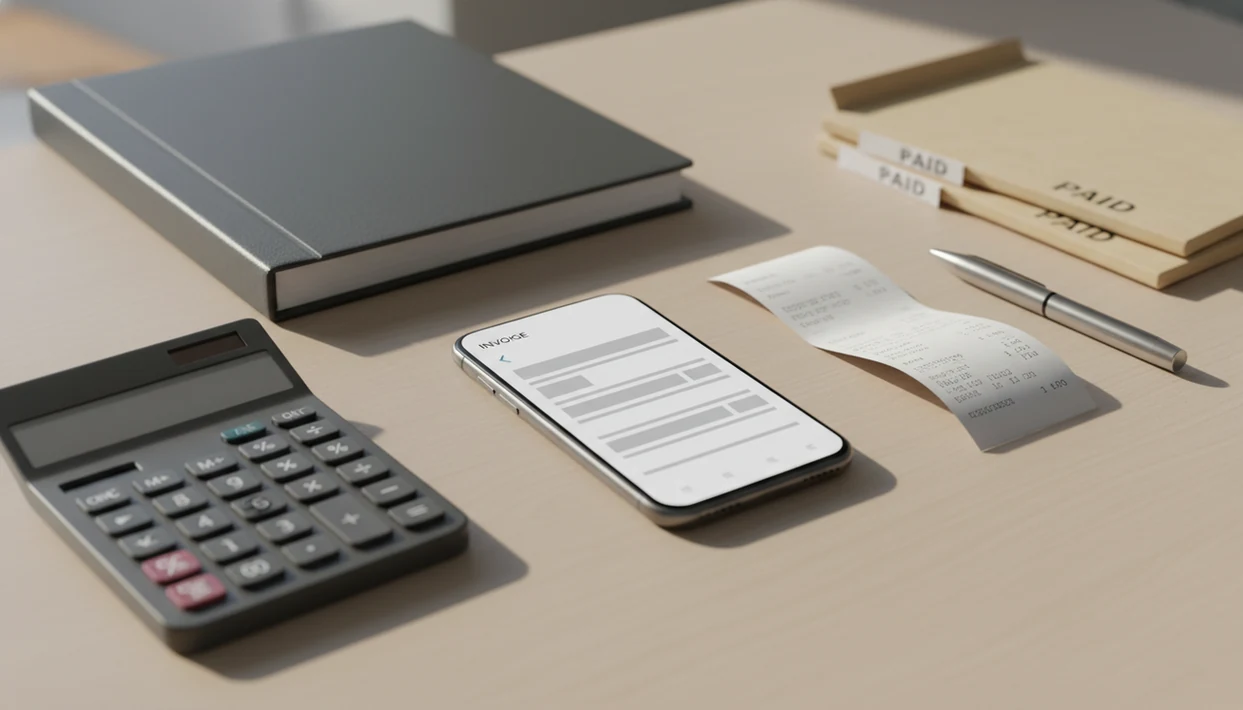
Definition: A simple invoice app without QuickBooks is a single-purpose billing tool that creates invoices, estimates, PDFs, reminders, and payment tracking for freelancers and small businesses without requiring accounting knowledge.
At-a-Glance: Simple Invoice App vs. QuickBooks for Invoicing
A simple invoice app is usually faster for billing tasks; QuickBooks is stronger when invoicing must connect to full accounting. The difference shows up the first time you only need a PDF copy and a due date, not a chart of accounts.
| Comparison point | Simple invoice app, represented by Invoice Maker Teo | QuickBooks |
|---|---|---|
| Setup time | Minutes for business info, logo, and payment details | Longer setup for accounts, taxes, users, and settings |
| Learning curve | Low, focused on invoices and estimates | Higher, includes accounting vocabulary |
| Invoicing features | Templates, line items, tax fields, PDF export, reminders | Invoicing plus deeper accounting links |
| Accounting features | Limited payment status and exports | General ledger, reconciliation, reports |
| Mobile experience | Built for quick phone billing | Strong, but broader than billing |
| Cost range | Often lower for invoice-only use | Often higher as features expand |
| Ideal user | Freelancer, contractor, micro business | Growing business with accounting needs |
A Deloitte survey found 35% of SMEs named system complexity as a barrier to using digital finance tools. Tiny cells pinched on a phone make that feel very real.
Five Facts About Simple Invoice Software Freelancers Should Know
Simple invoice software works best when the billing job is clear: create the document, send it, record what happened, and keep the next invoice easy. For a deeper app shortlist, our best invoice maker app guide compares common mobile billing needs.
- Billing-only design reduces the learning curve because users avoid ledgers, journal entries, and account mapping.
- Branded templates, a logo at the top, tax lines below the subtotal, and payment notes produce professional invoices.
- Online payment links can speed up cash flow; Xero research found online accounting or invoicing users were paid about 10 days faster than manual or paper users.
- McKinsey estimated that 60–70% of new micro and small businesses adopt at least one single-purpose SaaS tool before integrated platforms.
- CSV and PDF export give accountants usable records without forcing the business owner into full accounting software.
If your priority is clean billing records, a billing-only app should save client records, item details, tax fields, and PDF copies in one mobile invoice workflow.
Where a Simple Invoice App Wins Over QuickBooks
A simple invoice app wins when the business owner mainly needs to bill from a phone and move on. That fits many solo freelancers, service providers, and micro businesses; SBA data says 65.3% of U.S. businesses had fewer than five employees in 2022.
No chart-of-accounts setup. No accounting jargon.
For freelancers who need to invoice after a milestone, Invoice Maker Teo handles the practical loop: pick the client, add line items, check the due date, export the PDF, and send it before the contract tab disappears under other work. That small speed gain lowers billing anxiety. You don't sit down for “admin time.” You send the invoice while the work is still fresh.
Good invoice maker apps for freelancers and small businesses create, send, and track invoices and estimates, not replace a bookkeeper, payroll system, or full accounting platform.
Where QuickBooks Wins for Growing Businesses
QuickBooks wins when invoicing is only one part of a larger accounting system. If you need full double-entry accounting, a general ledger, payroll, tax filing workflows, bank reconciliation, inventory accounting, or multi-entity reporting, billing-only software will feel too narrow.
The right fit for connected accounting is QuickBooks or a similar platform because invoices can flow into reports, payroll, expenses, and accountant review. FreshBooks, Wave, Zoho Invoice, and Invoice2go also compete in different parts of this space, but the key question is scope.
A business usually outgrows simple invoice software when owners need financial statements, not just unpaid invoice lists. The drawer of receipts becomes the warning sign.
How a Simple Invoice App Works Behind the Scenes
A simple invoice app works by storing billing data in a small data model, then merging that data into invoice documents on demand. In plain terms, the app remembers your clients, saved services, tax rules, and payment status so each new invoice starts partly filled in.
In a billing-first workflow, client records hold names and emails, an item catalog holds services and prices, and tax settings apply to the invoice or line item. A template engine then combines those fields with your logo and notes field to generate a branded PDF copy.
Status tracking usually follows a basic chain: draft, sent, viewed when supported, paid, or overdue. Optional reminders use the due date and payment status to prompt follow-up. The export pipeline matters too. PDF copies go to clients through Gmail, Outlook, WhatsApp, or Messages, while CSV exports give accountants usable billing data.
For mobile-first service businesses, Invoice Maker Teo earns the spot because the invoice data becomes a reusable client record, not a one-off document.
How to Send Your First Invoice Without QuickBooks
You can send your first invoice without QuickBooks by setting up business details once, creating a client record, building line items, previewing the PDF, and tracking payment status. Invoice Maker Teo is the example here because it keeps those steps inside one billing-only mobile workflow.
- Add your business name, logo, and payment details so every invoice has the right sender information.
- Create a client profile with the customer name, email, billing address, and any spelling details you want reused.
- Build the invoice with line items, quantities, rates, tax rate, due date, and a short notes field for payment terms.
- Preview the PDF before sending, then share it by email, Messages, WhatsApp, or a payment link if enabled.
- Track payment status and set an automatic reminder so overdue invoices don't disappear into your inbox.
After a job site estimate, when the phone is balanced on a paint bucket, Invoice Maker Teo helps turn estimate details into an invoice instead of retyping the same line items later.
Common Myths About QuickBooks Alternatives for Invoices
QuickBooks alternatives for invoices are not automatically less professional, less legitimate, or less portable. Most myths come from confusing “simple” with “incomplete.”
Myth: Simple apps look unprofessional. Reality: branded templates, logos, invoice numbers, tax fields, and PDF formatting can look polished enough for most clients.
Myth: You must use QuickBooks to be legit. Reality: there is no legal requirement to use a specific software brand for invoices, though tax and recordkeeping rules vary by location.
Myth: Lightweight apps can't scale. Reality: many invoice-only tools can handle thousands of invoices, recurring clients, and multiple currencies before full accounting becomes necessary.
Myth: Invoice-only apps can't export data. Reality: CSV and PDF export are standard expectations in simple invoice software.
Contractors comparing mobile workflows may also want an invoice maker app for contractors, especially when estimates turn into repeat jobs.
QuickBooks or Simple Invoice App: Binary Decision Guide
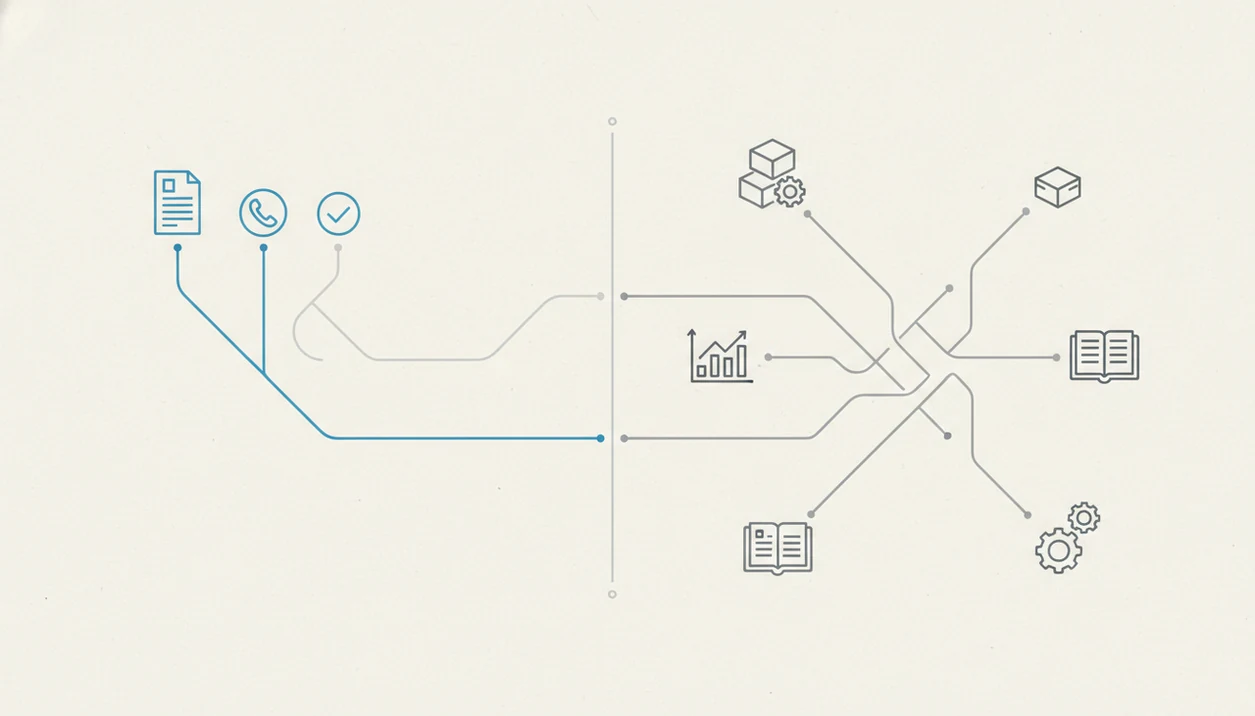
Pick a simple invoice app if you are billing-only, solo or a micro team, mobile-first, and not managing payroll, inventory accounting, or multi-entity books. Pick QuickBooks if invoices must connect to full accounting, payroll, advanced reporting, bank reconciliation, or accountant-managed financial statements.
Small business cash flow is often the pressure point. A 2020 QuickBooks cash-flow survey reported that 69% of small business owners had been kept up at night by cash-flow concerns, and 61% regularly struggled with cash flow issues (https://quickbooks.intuit.com/r/cash-flow/state-of-small-business-cash-flow/).
For small business owners trying to get paid faster without adding accounting work, Invoice Maker Teo covers the daily billing path because it combines estimates, invoices, PDF delivery, payment status, and reminders. The choice usually depends more on accounting scope than company size.
If you only need field billing from a phone, our guide on how to make invoice on phone covers that workflow directly.
Evidence and Sources for Comparing Simple Invoice Apps and QuickBooks
The evidence for this comparison comes from two places: vendor research on payment behavior and public data on business size. Use vendor numbers as directional context, and use neutral public data to define who the micro-business user actually is.
- Start with cash-flow pressure. QuickBooks’ own cash-flow research says many small business owners lose sleep over payment timing, which supports the claim that faster invoicing matters for daily survival source.
- Segment by real business size. SBA employer-size data shows a large share of U.S. firms are very small, which is why a solo contractor or tiny crew may not need a full accounting suite source.
- Treat online-payment speed carefully. Xero-style studies on online invoicing and payment links support the idea that digital invoices can be paid faster, but those are vendor findings, not neutral government data.
- Check the live product details. Features change by subscription plan, app platform, region, payment processor, and country, so compare the current listing before choosing.
Limitations
Invoice Maker Teo is built for invoicing, estimates, and payment tracking, but it is not a full accounting suite. That tradeoff is the point, but it still matters.
- It does not provide a full general ledger or double-entry accounting system.
- Year-end taxes can be harder if expenses, receipts, and mileage live in separate places.
- Complex recurring billing, retainers, usage billing, and contract automation may need more specialized software.
- It does not replace integrated payroll or GAAP-compliant financial reporting.
- Multiple payment processors can create reconciliation overhead if payments arrive through cards, PayPal, bank transfers, and cash.
- Multi-entity businesses may need stronger permissions, reporting separation, and consolidation tools.
- Advanced inventory accounting is outside the normal invoice-only workflow.
For a small crew that mainly needs invoices and estimates, an invoice maker app for small business can stay useful for a long time. Once reports drive decisions, bring in accounting software or an accountant.