
See Unpaid Invoices Before They Become Overdue
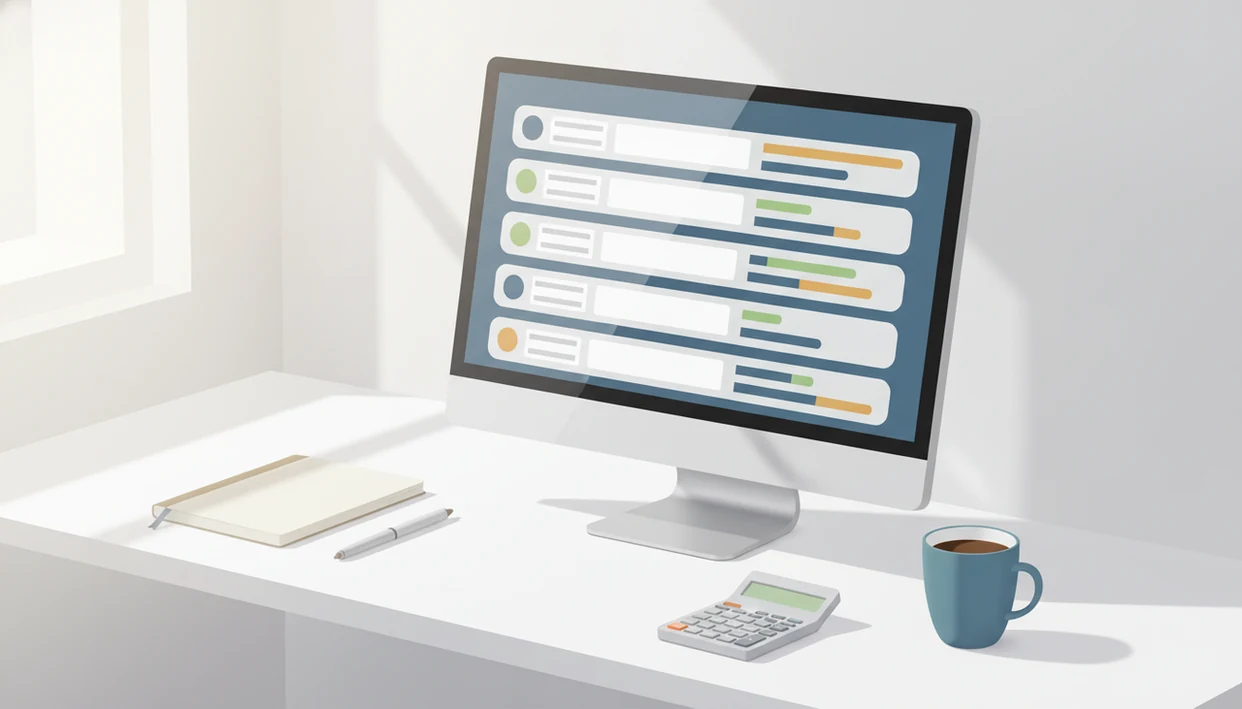
Use one dashboard to see unpaid invoices by client, due date, amount, and status before they turn into overdue cash-flow problems. Invoice Maker Teo gives freelancers and small businesses a clear view of open, partial, and unpaid invoices so they know what to follow up on next.
> This page focuses on unpaid invoice visibility for freelancers and small businesses: open balances, due dates, payment status, reminders, and follow-up priority.
- An unpaid invoice dashboard shows every open invoice across clients, including who owes money, how much is due, and when payment is expected.
- The most useful view lets you filter by unpaid, partial, overdue, client, amount, and due date instead of checking invoices one by one.
- Weekly unpaid invoice reviews help freelancers and small businesses follow up earlier, reduce missed payments, and protect cash flow.
Unpaid Invoice Dashboard at a Glance
An unpaid invoice dashboard is one screen for open, unpaid, partial, and overdue invoices. It should show the client, invoice number, issue date, due date, amount, payment status, and follow-up status without making you open each PDF.
That view matters before an invoice becomes overdue. A due date highlighted on Monday morning is easier to act on than a three-week-old balance found after a client asks, “Can you resend that invoice?” The dashboard gives you the next action, not just a record of what was sent.
Bank feeds help, but they only show money received. They do not show invoices still waiting for payment, invoices with partial balances, or sent invoices that were never followed up. For small teams, a dashboard is often the difference between remembering payment status and guessing from email threads.
Five Facts About Tracking Unpaid Invoices
- Unpaid invoices are part of accounts receivable, not just an admin task. They represent money the business has earned but has not collected yet.
- Federal Reserve small-business research has reported average unpaid invoices around $84,000 for U.S. small businesses (Federal Reserve Small Business Credit Survey). Even very small firms can have a large amount tied up in open receivables.
- In the Federal Reserve’s Small Business Credit Survey, 64% of employer firms reported financial challenges, with cash flow shortages listed as the top challenge. Late payment is one common pressure behind that shortage. (2024 Report on Employer Firms)
- San Francisco Fed research found that over 50% of invoices are paid late, with average payment stretching more than a week past the due date. (Federal Reserve Bank of San Francisco)
- Unpaid does not always mean bad debt. Many invoices are simply late, misplaced, or waiting on approval, and they can often be collected with better tracking and reminders.
A dashboard turns that pressure into a list.
How an Unpaid Invoice Dashboard Works
An unpaid invoice dashboard works by turning individual invoice records into filtered status views. Each invoice record starts with a client, invoice number, amount, issue date, due date, and payment status.
The status logic is simple, but it has to be kept clean. A draft is not sent yet. A sent invoice is delivered but not necessarily paid. Unpaid means no full payment has been recorded. Partial means some money arrived, but a balance remains. Paid means the balance is settled. Overdue is usually calculated by comparing the due date with today’s date.
Filtering, sorting, and totals are the mechanism that makes the dashboard useful. Sort by amount to chase the largest balance first. Filter by client before a call. Total open invoices before planning Friday payroll.
Accuracy depends on marking payments correctly. A partial payment noted on a receipt has to make it into the invoice record, or the dashboard will overstate what is still owed.
How to Use an App to See Unpaid Invoices
Use an app to see unpaid invoices by creating invoices in one place, recording payments there, and reviewing the unpaid view on a set schedule. For many freelancers, this is easier than copying customer addresses from texts into a spreadsheet.
- Set clear payment terms before sending the invoice, including the due date and any notes field wording.
- Send invoices from the app so issue dates, PDF copies, and delivery records stay attached to the client record.
- Log partial and full payments as soon as they arrive, especially if the client pays in two transfers.
- Review the unpaid invoice dashboard weekly, preferably before sending new work or scheduling supplies.
- Filter by overdue, amount, or client to decide which follow-up should happen first.
- Resend invoices or reminders from the same workflow, using the same invoice number and current balance.
A good invoice payment tracking app keeps the next invoice easy because the previous status is already visible.
A Lightweight Method for Tracking Unpaid Invoices
A lightweight invoice workflow helps freelancers and small businesses create, send, and check invoice status without turning billing into a full accounting project.
The workflow starts when you create an invoice or estimate on a phone. Add the client, line items, tax or VAT line if needed, due date, and notes. After sending the PDF copy through email, WhatsApp, Messages, or another delivery channel, the invoice stays tied to its client record.
Payment tracking happens through simple statuses such as paid, partial, and unpaid. If a client pays half now and half after delivery, the remaining balance should stay visible until the final payment is recorded.
Reminders and PDF resend actions support follow-up. Tools like Invoice Maker Teo are built for creating, sending, and tracking invoices and estimates, not payroll, tax filing strategy, credit analysis, or an all-in-one ERP.
Client Stories From an Unpaid Invoice Dashboard
Small-business invoice tracking usually changes tiny decisions, not whole companies overnight. The value appears when someone sees the right balance before sending the wrong message.
Freelance Designer With Three Open Balances
A freelance designer finishes a logo export under the laptop glow after final file delivery. Before starting a new landing page, she filters the dashboard by unpaid and spots three open balances. The filter changes her morning: send reminders first, then open the design file.
Mobile Contractor Sorting by Due Date
A mobile contractor checks invoices from the passenger seat while a phone charger stretches across the dashboard. Sorting by due date shows which clients need a Friday reminder and which balances are still current. The follow-up order stops being a memory test.
Consultant Catching a Partial Payment
A consultant sees one invoice marked partial and avoids sending a “full balance due” reminder. The tag matters. If partial payments are common, a guide to find partial payments can help keep the remaining balance clean.
Common Patterns When You Track Unpaid Invoices Weekly
Weekly review is often enough for freelancers and small businesses with normal invoice volume. The point is not to stare at balances every hour; it is to catch patterns before old invoices become awkward conversations.
Aging-style thinking helps. Group invoices as current, 1–30 days overdue, 31–60 days overdue, and 60+ days overdue. That turns a flat unpaid list into a follow-up plan. A five-day-late invoice might need a polite resend. A 63-day balance may need a firmer message or a decision about pausing work.
Patterns show up fast: one client always pays after a second reminder, large invoices need earlier nudges, and small balances get forgotten because they do not feel urgent. NBER research on trade credit has found that small firms often finance more than 20–25% of assets through accounts receivable, so open invoices can be a real working-capital issue (NBER trade credit research).
For repeat issues, it helps to discover late payment patterns instead of treating each unpaid invoice as a surprise.
What Seeing Unpaid Invoices Does Not Show
A dashboard shows unpaid status, but it cannot guarantee client payment. It tells you what is open, what is late, and what needs attention; it does not make the client approve the bill.
It may also miss the reason a client is late unless notes or messages are tracked. Maybe the invoice went to the wrong address. Maybe procurement needs a purchase order. Maybe the client is avoiding the conversation. Those are different problems, even if the dashboard shows the same unpaid status.
Invoice tracking is not the same as formal bookkeeping, credit analysis, or legal collections. Accountants, lenders, and bookkeepers may still require exports, accounts receivable aging reports, or reconciled records. If the dashboard says unpaid but the bank shows a deposit, someone has to reconcile the difference.
Unpaid invoice visibility is a control point, not a complete cash-flow solution. It helps you decide when to check overdue invoices, resend a PDF, or escalate the follow-up.
Limitations
Unpaid invoice dashboards are useful, but they are not magic. A clean screen can still contain messy records.
- The dashboard is only accurate if invoices, due dates, payment terms, and payments are entered correctly.
- A client can still ignore reminders even when the invoice number, amount, and due date are clear.
- Partial payments can make balances misleading if they are not logged as soon as they arrive.
- Lightweight invoice maker apps may not replace formal accounts receivable aging reports for bookkeepers, lenders, or accountants.
- Bank deposits, app statuses, and client records can disagree if reconciliation is not maintained.
- Older unpaid invoices may need legal or professional advice before escalation, especially if the client disputes the work.
- UK businesses often refer to a six-year limitation period for many unpaid invoice claims, but that is jurisdiction-specific context, not universal legal advice.
- Reminder timing still needs judgment. A same-day reminder may fit a missed deadline, but a long-term client may need a short personal note first.
For routine follow-up, an app that sends payment reminders can reduce missed nudges, but it cannot replace a clear payment policy.
FAQ
How do I see unpaid invoices?
Open your invoice dashboard or filter your invoice list by unpaid, partial, or overdue status. Review the client, amount, due date, and invoice number before following up.
What is an unpaid invoice dashboard?
An unpaid invoice dashboard is a single view of invoices that have been sent but not fully paid. It helps show who owes money, what is due, and which invoices need attention.
How often should I check invoices?
Most freelancers and small businesses should check unpaid invoices weekly. During tight cash-flow periods, checking more often can help prioritize follow-up.
What counts as an unpaid invoice?
An unpaid invoice is an issued invoice with no recorded full payment. It may be current, overdue, or partially paid.
Are partially paid invoices still unpaid?
Partially paid invoices are not fully settled. They should remain visible until the remaining balance is paid.
Can reminders collect unpaid invoices?
Reminders can improve follow-up and reduce forgotten invoices. They cannot guarantee that a client will pay.
Is overdue the same as unpaid?
Unpaid means the invoice has not been fully paid. Overdue means it remains unpaid after the due date.
Can bank records show unpaid invoices?
Bank records show payments that have arrived. They do not show invoices that are still open, unpaid, partial, or overdue.