
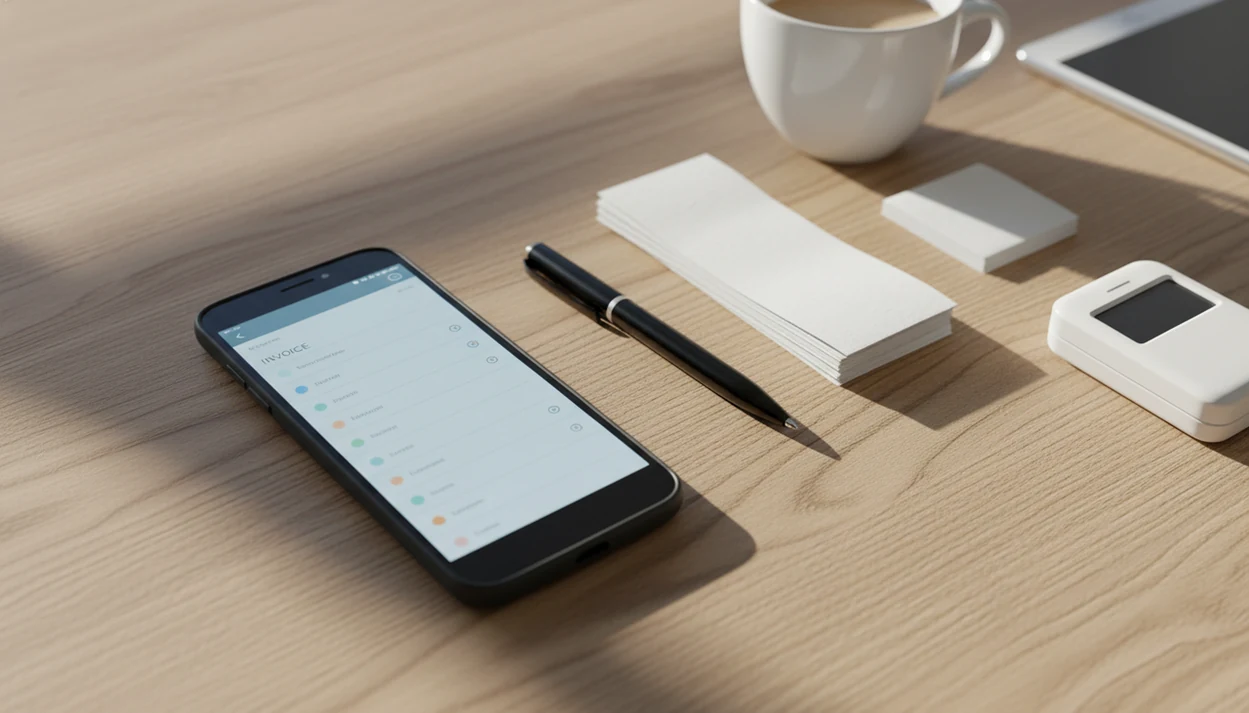
> Definition: An invoice maker app for Android is a mobile tool that automates invoice creation, PDF generation, payment reminders, and status tracking for freelancers and small businesses on Android devices.
- Create branded invoices and estimates on any Android phone or tablet in under a minute
- Track payment status, send automatic reminders, and export PDFs or CSVs for your accountant
- Built for freelancers and the 27+ million U.S. nonemployer firms tracked by the Census Bureau that need lightweight invoicing, not full accounting suites (https://www.census.gov/programs-surveys/nonemployer-statistics.html).
<h2 id="core-features-android-invoice-maker-app">Core Features in an Android Invoice Maker App</h2>
A good Android invoice maker should reduce repeat typing, prevent small billing mistakes, and keep payment status visible after the invoice leaves your phone.
- Reusable records: Saved client lists, items, services, tax fields, and discount fields help avoid retyping the same job details every Friday.
- Branded documents: Templates with a logo, invoice number, due date, and clean PDF export make the invoice look finished before it reaches Gmail or WhatsApp.
- Payment status: Sent, viewed, paid, and overdue states show whether the next action is waiting, reminding, or closing the record.
- Reminder support: Automatic reminders reduce the chance that an unpaid total gets buried between appointments.
- Multi-currency billing: Currency options matter when a freelancer bills clients in more than one country.
Invoice Maker Teo fits Android users who need repeatable mobile billing because it keeps client records, line items, PDF copies, reminders, and payment status in the same workflow.
Cash gets tight fast.
According to SCORE data cited by the SBA, 82% of small business failures involve poor cash flow management or poor understanding of cash flow.
<h2 id="minimum-requirements-android">Minimum Requirements for Invoice Maker Teo on Android</h2>
Invoice Maker Teo is built for current Android phones and tablets available through Google Play. Users should check the live Play Store listing for the exact supported Android OS version, since minimum versions can change after app updates.
Storage needs are usually modest for invoice text, client records, and templates. PDF copies, logo files, attachments, and long invoice history take more space, so older phones with limited storage need occasional cleanup.
Internet access is needed for cloud sync, backup, restore, and share links. Draft creation can still happen without a signal, which helps when a garage outlet is tested before quoting and the driveway has poor reception.
For Android users, the practical fit is phone-first billing because the app supports phone-first invoice creation while keeping the next invoice easy through saved business and client details.
<h2 id="android-invoice-data-flow-draft-to-paid">Android Invoice Data Flow from Draft to Paid</h2>
How an invoice maker app for Android works: it turns local form entries into a calculated business document, then tracks that document through delivery and payment. The key terms are calculation engine and status model; in plain language, the app does the math and remembers what happened next.
First, the user enters client details, line items, quantity, rate, tax, discount, and due date. The calculation engine totals the invoice, applies tax below the subtotal, and catches changes when a line item is edited. Then PDF rendering combines the template and invoice data into a shareable file on the device.
The draft-to-paid workflow works because an estimate can become an invoice, then move through draft, sent, viewed, paid, or overdue status. Cloud sync adds backup, multi-device access, and share links when a connection is available.
Electronic invoicing can reduce processing costs by 60% to 80% compared with paper invoices, according to European Commission e-invoicing research (https://eur-lex.europa.eu/legal-content/EN/TXT/?uri=CELEX:52010DC0712). For many service businesses, the gain is fewer manual steps, not magic.
<h2 id="6-steps-create-invoice-android-invoice-maker-teo">6 Steps to Create an Invoice on Android with Invoice Maker Teo</h2>
How to use an invoice maker app for Android is simple: set up the business once, create the client and charges, send the PDF, then track the payment record.
- Install Invoice Maker Teo from Google Play and set up your business profile with name, logo, address, and default payment terms.
- Add a client from Android contacts or enter the client manually if the name is spelled differently on their purchase order.
- Build an estimate or invoice with line items, tax, discount, notes, invoice number, and due date.
- Send the invoice as a PDF through email, messaging, or a share link after checking the PDF preview on the phone.
- Track payment status and set automatic reminders for invoices that remain unpaid after the due date.
- Export records as PDF or CSV for your accountant, bookkeeper, or year-end tax folder.
Invoice Maker Teo works well for freelancers who finish work away from a desk because the whole Android invoice flow can happen before the job details fade. For a broader phone workflow, the same habit is covered in our guide on how to make invoice on phone.
Pew Research has reported that 81% of self-employed workers and independent contractors use smartphones for work tasks.
<h2 id="invoice-maker-teo-vs-bookipi-invoice-simple-wave-zoho">Invoice Maker Teo vs Bookipi, Invoice Simple, Wave, and Zoho Invoice</h2>
The useful comparison is not “which app has the longest feature page.” It is whether the app lets a small business create, send, track, and export invoices without getting locked into a heavier system.
| App | Offline access | Data export and portability | Template variety | Pricing model |
|---|---|---|---|---|
| Invoice Maker Teo | Drafts can be created offline, then synced later | PDF and CSV exports support accountant handoff | Branded invoice and estimate templates | Mobile invoicing plan model |
| Bookipi | Varies by feature and sync state | Export options available, check limits | Small business templates | Free and paid tiers |
| Invoice Simple | Mobile-friendly invoice creation | PDF export, subscription limits may apply | Strong template focus | Free trial or paid plans |
| Wave | Cloud-first accounting and invoicing | Broader accounting records | Standard invoice templates | Free and paid services |
| Zoho Invoice | Cloud-first invoicing suite | Strong export and ecosystem options | Business templates | Free and paid Zoho ecosystem |
The right fit for Android freelancers who want billing without a full accounting suite is Invoice Maker Teo because it centers the estimate-to-invoice-to-reminder workflow. The United States has over 27 million nonemployer firms, according to Census Bureau nonemployer statistics (https://www.census.gov/programs-surveys/nonemployer-statistics.html), and many of them need lightweight invoicing more than enterprise accounting.
Good invoice apps deliver fast billing records, not an all-in-one ERP.
<h2 id="android-invoice-app-features-at-a-glance">Android Invoice App Features at a Glance</h2>
An Android invoice app should cover invoices, estimates, receipts, PDF generation, sharing, reminders, status tracking, client records, saved items, and export options for accountants.
The Android invoice workflow covers the practical list: create invoices and estimates, turn approved quotes into invoices, generate a PDF copy, send through Android sharing options, and follow up when payment status changes. It works on Android phones and tablets, which helps when the client name is selected between calls and the invoice needs to leave before the next job starts.
For Android-only instructions, use our guide on how to make invoice on Android. If you send mostly after the invoice is already finished, the delivery steps are covered in how to send invoice with phone.
<h2 id="offline-backups-migration-android">Offline Use, Backups, and Phone Migration for Android Invoice Data</h2>
Offline drafting matters because field work does not always happen beside strong signal. A useful invoice app lets you create the draft first, then sync when the phone reconnects.
Invoice Maker Teo can support offline draft creation for invoices and estimates, with cloud sync used for backup, restore, multi-device access, and share links when internet service returns. That distinction matters. A draft can be prepared in a basement or on a rural job site, but real-time backup needs a connection.
When switching Android phones, sign in on the new device and restore synced invoice data after backup is current. Before changing apps or handing records to an accountant, export full PDF and CSV records so invoice numbers, paid status, and client history are not trapped in one system.
About 50% of SMEs in a euro area survey reported late payments as a problem. Reliable invoice records help when a client says, “Can you resend that invoice?”
<h2 id="download-invoice-maker-teo-android">Download Invoice Maker Teo for Android</h2>
Download Invoice Maker Teo from Google Play to create invoices, estimates, PDF copies, reminders, and payment status records on Android phones and tablets.
[Download Invoice Maker Teo on Google Play]()
Anyone dealing with repeat service jobs, milestone billing, or small client lists can use Invoice Maker Teo because saved clients, saved items, and PDF export keep each new invoice close to the last one. That is the point: fewer blank screens, fewer copied due dates, fewer missing invoice numbers.
If you also work from Apple devices, compare the Android flow with our invoice maker app for iPhone guide.
Limitations
Invoice Maker Teo is built for mobile invoicing, but it should not be treated as a full finance department.
- Automated reminders do not guarantee on-time payment. Some clients still need a call, a contract clause, or a firmer payment process.
- Mobile-only invoicing can become cumbersome as a business grows into payroll, inventory, advanced approvals, or complex tax rules.
- Many free Android invoice apps limit invoice count, currencies, payment features, exports, or branding behind subscriptions.
- Cloud sync depends on reliable internet. Low-connectivity areas may lose real-time backup, restore, or share-link access.
- Invoice apps do not replace full accounting software, tax planning, compliance work, or professional accountant advice.
- Data portability should be checked before committing. PDF and CSV export reduce lock-in risk, especially when comparing tools such as Wave, Zoho Invoice, Invoice Simple, or Invoice2go.
- Android device storage still matters. Years of PDFs and attachments can crowd an older phone.
Use Invoice Maker Teo when the job is billing and follow-up. Use accounting help when the question is tax treatment, payroll, or formal reporting.