
Definition: A free estimate maker app is a mobile or web tool that lets freelancers and small businesses create professional itemized job quotes, share them with clients, and track approval status without paying for software.
At A Glance: Best Free Estimate Maker Apps Compared
The best free estimate maker apps differ less by design and more by what happens after the client says yes. Free tiers vary in document counts, storage, customization, and team access, so check caps before moving your client list.
| App name | Platform | Free-tier limits | Estimate-to-invoice conversion | Offline mode | Multi-currency |
|---|---|---|---|---|---|
| Invoice Maker Teo | iOS, Android | Free plan limits may vary by documents and features | Yes, built for mobile conversion | Limited offline drafting with sync when connected | Yes, where enabled in settings |
| Invoice Simple | Web, iOS, Android | Limited free documents and customization | Yes on supported plans | Limited | Yes |
| Freebie Estimate Maker | iOS, Android | Basic estimate creation, fewer workflow tools | No, mainly PDF estimate creation | Varies by device | Limited |
| Wave Financial | Web, mobile companion | Free accounting tools, some paid add-ons | Yes within Wave workflow | Minimal offline use | Limited by account setup |
| Joist | Web, iOS, Android | Caps may apply to monthly estimates and features | Yes | Limited | Limited |
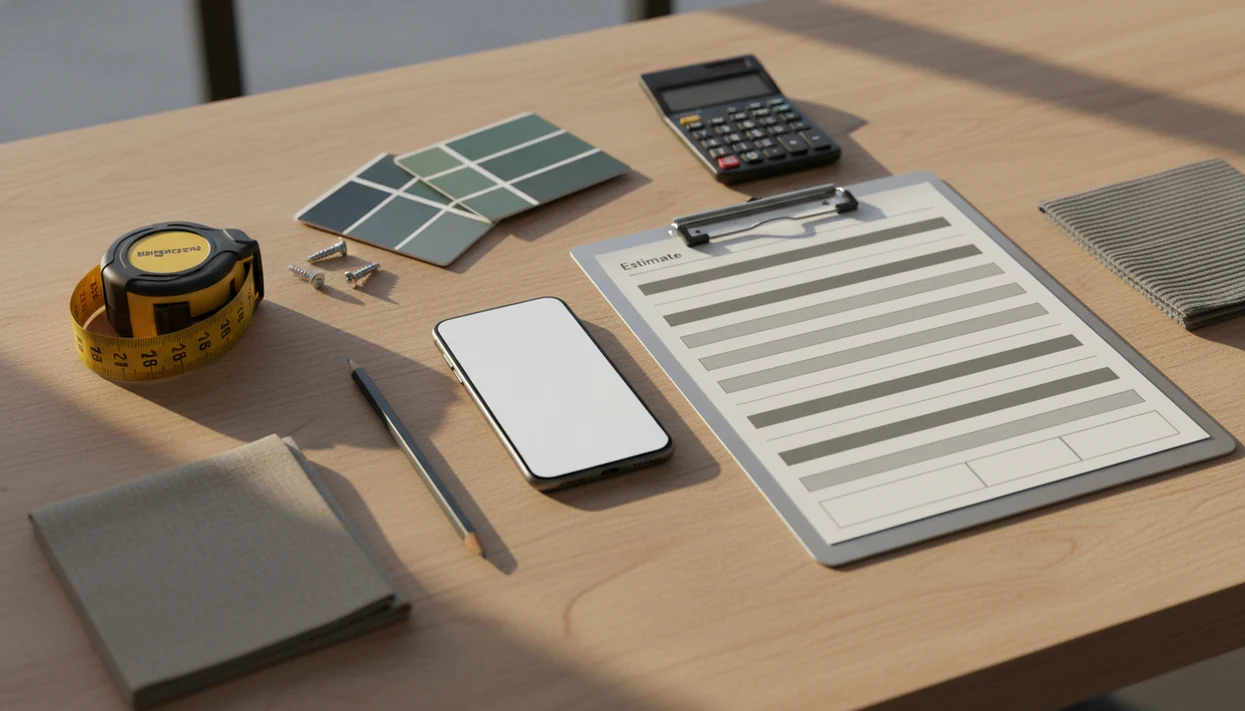
For mobile-first quoting, Invoice Maker Teo earns its place because the estimate record can become the next invoice instead of a copied PDF. The clipboard under one arm moment matters.
5 Best Free Estimate Apps For Job-Site Quoting
These five free estimate app options cover different quoting habits: fast PDFs, mobile job-site records, contractor templates, and accounting-linked estimates. Good free estimate software should create clear documents, not turn a small quote into an accounting migration.
Invoice Maker Teo: Estimate To Invoice In One Tap
For freelancers who quote from a driveway, counter, or finished milestone, Invoice Maker Teo is the practical pick because an approved estimate can become an invoice with saved client details, line items, tax, and due date intact.
Invoice Simple: Browser-Based Free Quote App
Invoice Simple works well when you need a quick browser-based estimate PDF and do not want to set up a fuller client workflow first.
Freebie Estimate Maker: Lightweight Mobile Estimate App
Freebie Estimate Maker fits users who want a no-frills mobile form for prices, notes, and PDF sharing without extra accounting screens.
Wave Financial: Free Estimate App With Accounting
Wave Financial is strongest for users who want free invoicing and accounting in the same system, though its mobile workflow feels secondary to web setup.
Joist: Free Estimate App For Contractors
Joist suits contractors and home-service trades because its estimate templates match field work, approvals, and recurring service details. For a deeper contractor shortlist, compare our best estimate maker app guide.
How We Picked These Free Quote App Options
We picked free quote app options by testing the parts that slow real quotes: setup, line items, PDF sharing, conversion, and field use. A missing tax line or client name spelled two ways can make a good quote look careless.
- Genuinely free tier: Each app had to offer usable estimate creation without requiring payment on the first quote.
- Mobile usability: We weighted phone-first workflows because many quotes happen beside a broken fence or inside a client’s hallway.
- Itemized pricing: Labor, materials, quantities, rates, discounts, and tax had to appear clearly before the total.
- PDF sharing: A clean PDF copy matters when sending through Gmail, Outlook, WhatsApp, or Messages.
- Estimate-to-invoice conversion: Apps scored higher when an accepted quote became an invoice record, not a retyped document.
The SBA reported that 81% of U.S. small businesses had no paid employees in 2021, so lightweight billing tools matter (https://advocacy.sba.gov/2023/03/07/frequently-asked-questions-about-small-business-2023/). Solo operators need speed without full ERP software.
How A Free Estimate Maker App Works
A free estimate maker app works by turning job details into a structured estimate record, then formatting that record as a client-ready quote. The important part is the data model: client, items, quantities, rates, tax, terms, and status are stored as fields, not just flattened into a PDF.
First, you add business details, a logo, client information, and line items for labor or materials. The app calculates the subtotal, applies tax rules, adds any discount, and formats the estimate with terms near the total. If the client points at extra fence panels during the visit, you adjust quantities before sending.
Better mobile invoice workflow tools keep the estimate record alive after sharing. That allows approval tracking, reminders, and conversion into an invoice later. Invoice Maker Teo supports that practical flow because the quote, PDF copy, and next invoice stay tied to the same client record. If you want that specific workflow, read more about an app that turns estimates into invoices.
A sync layer may save data locally first, then push changes to cloud storage when service returns. Not magic. Just fewer lost quotes.
How To Use A Free Estimate App For A Job Quote
Use a free estimate app by building the quote while the job details are still fresh. The fastest workflow is to set up your business once, then reuse clients, services, taxes, and notes on each new estimate.
- Download the app and add your business name, logo, phone number, email, and address.
- Enter the client details including name, email, phone number, and job-site address.
- Add line items for services, materials, quantities, unit prices, and any separate labor rate.
- Set tax rates, discounts, and terms so the client sees the full cost and approval conditions.
- Preview the estimate PDF and share it by email or messaging before leaving the site.
- Convert the approved estimate into an invoice with one tap when the client accepts the work.
If the priority is quoting before details fade, Invoice Maker Teo fits because saved items and client records keep the next invoice easy. Our step-by-step how to create estimate on phone guide covers the same flow in more detail.
Why Mobile Quoting Improves Estimate-To-Job Conversion
Mobile quoting improves estimate-to-job conversion because it removes the gap between the site visit and the formal quote. Harvard Business Review reported a 27% improvement in quote-to-order conversion for teams using mobile quoting and ordering tools versus manual processes (https://hbr.org/2014/11/how-smart-connected-products-are-transforming-competition).
That delay is where jobs get cold. A customer who hears “I’ll send it tonight” may receive three other quotes before yours leaves the laptop. With a free quote app, the estimate can go out while the materials, measurements, and scope are still clear.
Construction productivity has grown only about 1% annually over recent decades, and McKinsey has identified digital field tools as one lever for improvement (https://www.mckinsey.com/capabilities/operations/our-insights/imagining-constructions-digital-future). A UK government-cited study also found small businesses using multiple cloud tools were 18% more likely to report increased sales (https://www.gov.uk/government/publications/business-productivity-review).
Free quote apps can look professional when they include a logo, numbered estimate, structured line items, tax, and terms. Anyone dealing with repeat small jobs should consider Invoice Maker Teo because approved quotes can move into invoice and payment tracking instead of sitting as detached PDFs.
Free Estimate App Features That Matter Most
The most important free estimate app feature is estimate-to-invoice conversion because it prevents duplicate entry after approval. Standalone PDF generators are fine for one-off quotes, but they lose status, follow-up history, and the path to billing.
| Feature | Why it matters |
|---|---|
| Estimate-to-invoice conversion | Turns accepted work into a bill without retyping client details or line items |
| Offline or low-connectivity editing | Helps when cell service drops in garages, rural jobs, or basement mechanical rooms |
| Multi-currency and tax rates | Supports freelancers billing across regions or charging different tax categories |
| Saved clients and item catalogs | Speeds repeat jobs with standard services, rates, and notes |
| Photos and e-signatures | Adds proof of scope for repairs, installs, and field approvals |
For service businesses who need job proof, Invoice Maker Teo covers the core estimate workflow with saved client records, reusable line items, PDF sharing, and invoice conversion. Good estimate apps deliver quote clarity and follow-through, not enterprise accounting complexity.
Honest Cons Of Each Free Estimate Maker App
Each free estimate maker app has a tradeoff, and those limits matter more after the first few quotes. We would rather find them before your paid invoice is opened at the counter.
- Invoice Maker Teo: No desktop web version; it is best for mobile quoting, PDF export, and app-based follow-up.
- Invoice Simple: Free-tier customization can feel limited if you need deeper branding or template control.
- Freebie Estimate Maker: It works for simple PDFs, but it does not offer true estimate-to-invoice conversion.
- Wave Financial: The web product is stronger than the mobile experience, and offline use is limited.
- Joist: Free caps may restrict monthly estimate volume, and contractor-focused templates may not fit every freelancer.
If the estimate has already been accepted, the next practical question is what happens after estimate approved. That is where conversion, invoice number, due date, and payment status become more important than the original PDF.
Limitations
Free estimate apps are useful, but they do not remove every billing problem. Treat them as quoting and invoicing tools, not as a substitute for pricing judgment or full accounting advice.
- Free tiers usually cap clients, documents, templates, storage, or team members; growth can force a paid upgrade.
- No free estimate app replaces full accounting software for bookkeeping, payroll, tax filing, or formal financial reporting.
- Estimate accuracy depends on your labor, material, markup, and overhead inputs. Bad numbers still create bad quotes.
- Advanced CRM, inventory, analytics, approval portals, and automation are often paywalled.
- Some apps store estimate and client data on company servers, so check privacy policies and export options first.
- PDF-only generators lose approval status, conversion history, and follow-up context.
- Offline drafting can still require later sync, and sync conflicts may happen if several people edit the same quote.
For most solo users, a mobile estimate-to-invoice workflow is easier than a spreadsheet because it keeps the client record, quote, invoice, and payment status connected.