
App That Turns Estimates Into Invoices After Client Approval
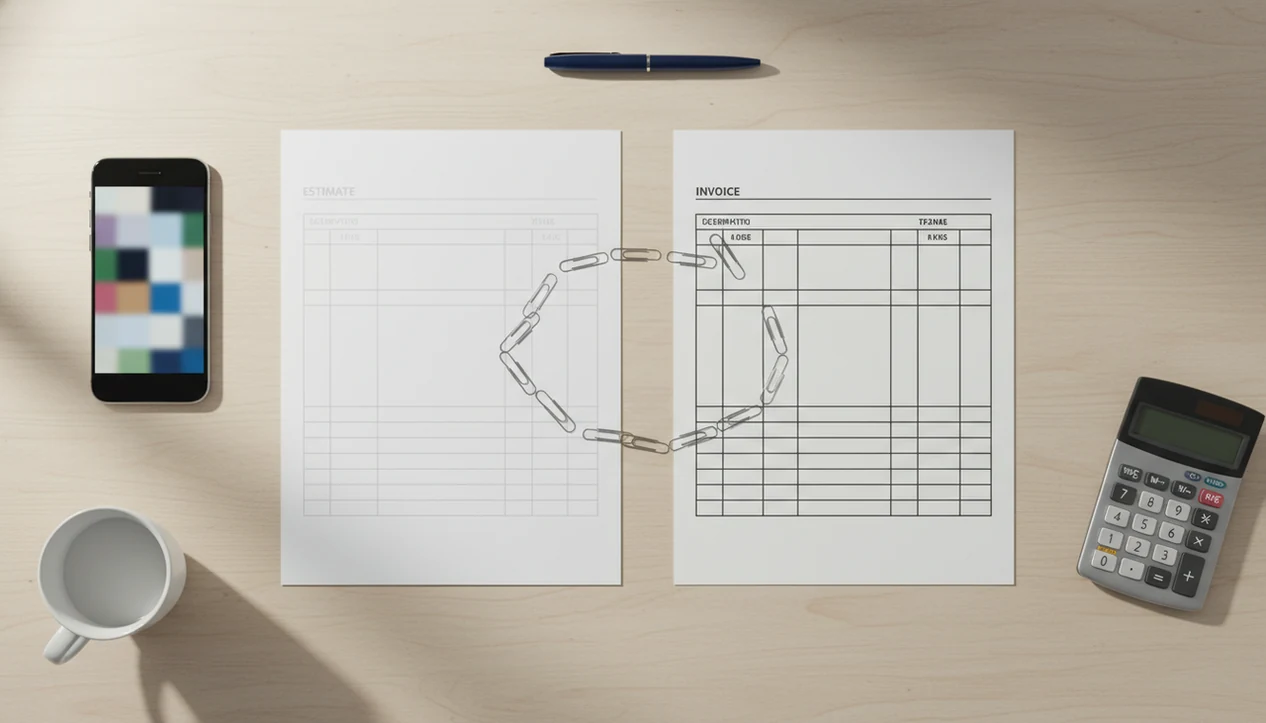
Yes, an app that turns estimates into invoices lets you create an estimate once, get client approval, and convert it into a ready-to-send invoice without retyping client, service, price, tax, or job details. Invoice Maker Teo is built for freelancers and small businesses that need estimates, invoices, PDFs, reminders, and payment tracking in one mobile workflow.
Definition: A focused invoice maker app should create invoices, estimates, PDFs, reminders, and payment tracking for freelancers and small businesses.
TL;DR
- Create the estimate once, then reuse approved client, line item, tax, discount, and payment term details on the invoice.
- The main benefit is speed and fewer billing errors after a quote or estimate is accepted.
- The app still depends on accurate pricing, clear approval, and follow-up when clients pay late.
How these apps look
Side-by-side captures of the compared products. Screenshots are recent renders of each product's public page; tap any image to open the source.
Estimate to Invoice App Workflow at a Glance
Is there an app that turns estimates into invoices? Yes, an estimate to invoice app saves the estimate record first, then reuses the approved client, job, line item, price, tax, discount, and payment terms when you create the invoice.
That matters because most billing work is repeat typing. A contractor with sawdust on the phone screen should not rebuild the same quote after the client says yes. This workflow fits freelancers, trades, consultants, contractors, and small businesses that quote first and bill after approval because estimates and invoices stay in the same mobile process.
Small tools matter here. U.S. Census Bureau Statistics of U.S. Businesses data shows that most employer firms are very small, with firms under 10 employees making up the bulk of U.S. employer businesses (https://www.census.gov/programs-surveys/susb.html), so many businesses sending estimates do not need full accounting software for every job.
How an App That Turns Estimates Into Invoices Works
An app that turns estimates into invoices works by storing the estimate as a structured record, then copying approved fields into a new invoice record after the client accepts the scope.
The saved estimate usually includes a client profile, job description, itemized services, quantities, unit prices, taxes, discounts, notes, and payment terms. In plain language, the app keeps the job data in separate fields instead of burying it in a flat PDF. When you convert quote to invoice, those fields move into an invoice draft, where you can still edit the invoice number, invoice date, payment due date, final quantities, or notes.
Approval should happen before conversion. Otherwise, the invoice may not match the agreed work. A clean status flow looks like this: draft estimate, sent estimate, approved estimate, invoice sent, then paid or unpaid invoice. That status habit matters because conversion is not automatic accounting or guaranteed payment.
How to Use an Estimate to Invoice App After Approval
Use an estimate to invoice app after approval by building the estimate carefully, recording the client’s acceptance, checking final job details, and sending the invoice with payment terms.
1. Create the estimate with the client name, service description, line items, quantities, prices, taxes, discounts, notes, and terms. 2. Send it to the client as a clean PDF copy or shareable document, then wait for approval before billing. 3. Record approval in the estimate record, especially if the client confirmed by email, text, or phone. If approval happened by text or email, keep that message with the job record so the invoice can be tied back to the accepted scope. 4. Review final job details before conversion, including changed quantities, dates, discounts, added fees, or notes. 5. Convert the estimate to an invoice and check the invoice number, due date, tax line, and total. 6. Send and track payment with payment terms and reminders, so follow-up does not depend on memory.
A due date checked before sending saves awkward messages later. If you need the estimate stage first, the how to create estimate on phone guide covers that setup in more detail.
Five Facts About Converting a Quote to Invoice
- The estimate is built once and reused after approval. The main time saving comes from not rebuilding the invoice from a blank template.
- Common reused fields include client details, line items, prices, quantities, taxes, discounts, job notes, and payment terms. These are the fields most likely to pick up errors during manual copying.
- The invoice should still be reviewed before sending. Scope, quantity, dates, delivery charges, or late-added work can change between estimate approval and final billing.
- Late payments are common, so due dates and reminders matter. The FSB has reported widespread late-payment pressure on small businesses (https://www.fsb.org.uk/resource-report/time-is-money.html), and the EIB Investment Survey tracks late-payment exposure among European SMEs (https://www.eib.org/en/publications/20230285-econ-eibis-2023-eu).
- These tools fit freelancers and small businesses better than complex enterprise procurement. The EIB has reported that 43% of SMEs experience late payments at least monthly, with administrative issues and invoicing errors among the causes.
Anyone dealing with an aged invoice list beside a calendar needs more than a saved PDF. Payment-status and reminder workflows cover that need after the invoice is sent.
What Estimate-to-Invoice Conversion Looks Like in Invoice Maker Teo
From one mobile workflow, you can create estimates, convert approved estimates into invoices, generate PDFs, send documents, track payment status, and use reminders.
The carried-forward details are the practical ones: client, service description, item catalog, price, quantity, tax, discount, notes, and terms. You can export a clean PDF before sending it through the channel your client already uses, such as Gmail, Outlook, WhatsApp, or Messages. The point is not to make billing fancy. It is to keep the next invoice easy.
After an on-site approval, a tradesperson can turn estimate details into an invoice draft with editable dates, totals, and payment terms.
A focused invoice maker app should create invoices, estimates, PDFs, reminders, and payment tracking for freelancers and small businesses. Good invoice maker apps deliver fast document creation and follow-up visibility, not enterprise finance software.
Estimate to Invoice App vs Manual Copying and Spreadsheets
An estimate-to-invoice app reduces retyping, while spreadsheets and document templates depend on careful copying each time. That can work at low volume, but repeated estimates make small errors easier to miss.
| Workflow | Reused data | Error risk | Mobile use | Follow-up | Best fit |
|---|---|---|---|---|---|
| Estimate-to-invoice app | Client, items, prices, taxes, terms | Lower | Strong | Payment status and reminders | Freelancers and small teams |
| Spreadsheet template | Formulas and copied rows | Medium to high | Awkward | Manual notes | Very low invoice volume |
| Word processor/PDF template | Mostly copied text | High | Limited | Manual emails | One-off documents |
| Full accounting software | Broader financial records | Lower, if configured | Varies | Often stronger | Bookkeeping-heavy businesses |
A spreadsheet zoomed beside a cash drawer can get the job done for five invoices a month. At twenty, the file named “invoice new version” starts to feel risky.
Consultants handling repeat quote-to-bill work benefit because saved client records and item catalogs reduce copied names, prices, and line items. OECD research has found that adopting basic digital tools, including invoicing and accounting software, is associated with higher sales growth and labor productivity, but apps still do not replace accounting or tax advice (OECD, The Digital Transformation of SMEs: https://www.oecd.org/industry/smes/PH-SME-Digitalisation-final.pdf).
Best Use Cases for an App That Turns Estimates Into Invoices
The best use cases for an app that turns estimates into invoices are jobs where the client approves a price before work starts, then expects a clear invoice after completion. Fixed-price retail, high-volume ecommerce, and complex procurement portals usually need different systems.
Freelancers and consultants
Freelancers and consultants often quote milestones, deposits, or project phases before billing. This is useful when a contract tab is open beside the total and the final invoice needs the same approved line items.
Trades and on-site services
Trades and on-site services benefit when photos, job notes, and service lines are captured close to the work. The full estimate to invoice timeline is especially useful for jobs that move from inspection to approval to final billing.
Small teams with repeat clients
Small teams with repeat clients need shared client and job records without buying enterprise accounting software. Repeat service billing works best when saved customers, item catalogs, and reminders keep the next invoice consistent.
Limitations
Estimate-to-invoice conversion saves time, but it does not remove judgment from billing. Review the invoice before sending, especially when the job changed after approval.
- It will not fix inaccurate pricing, unclear scope, or a quote that missed materials.
- Converted invoices may still need edits for final quantities, discounts, dates, taxes, or changed work.
- Converting an estimate does not guarantee on-time payment; clients can still ignore a due date.
- Some apps may not support complex tax rules, multi-currency billing, detailed project breakdowns, or client procurement portals.
- Businesses may still need accounting software, bookkeeping support, exports, or backups for full financial records.
- Payment links, if available, are not the same as automatic payment collection.
- Larger tools such as FreshBooks, Wave, Zoho Invoice, Invoice2go, or invoice-simple.com may fit better when reporting, integrations, or accounting depth matter more than mobile speed.
Still, for many field jobs and freelance projects, a focused invoice workflow is simpler than rebuilding every invoice from scratch.
FAQ
Is there an app for estimates and invoices?
Yes. Estimate-to-invoice apps let you create an estimate, send it to a client, and turn the approved estimate into an invoice.
Can I convert an approved quote into an invoice?
Yes. Most apps in this category let you convert an approved quote or estimate into an invoice that reuses the original job details.
What details transfer from an estimate to an invoice?
Common transferred details include the client name, line items, prices, quantities, taxes, discounts, notes, and payment terms.
Can I edit an invoice after converting it from an estimate?
Yes. You should review and edit dates, quantities, discounts, taxes, invoice number, and notes before sending the invoice.
Does converting an estimate collect payment automatically?
No. Conversion creates the invoice, but payment collection depends on the client, payment terms, and any payment link or processor used.
Is an estimate-to-invoice app useful for freelancers?
Yes. Freelancers benefit because the app reduces repeated admin work, retyping, and small invoice errors after project approval.
Can I create estimates and invoices on my phone?
Yes. Mobile invoice apps can create estimates, convert approvals into invoices, export PDF copies, send documents, and track payment status.
Do I still need accounting software if I use an invoice app?
Maybe. An invoice app may not replace bookkeeping, accounting, tax filing, financial reporting, exports, or advice from a qualified professional.