
What Happens After an Estimate Is Approved in a Billing Workflow
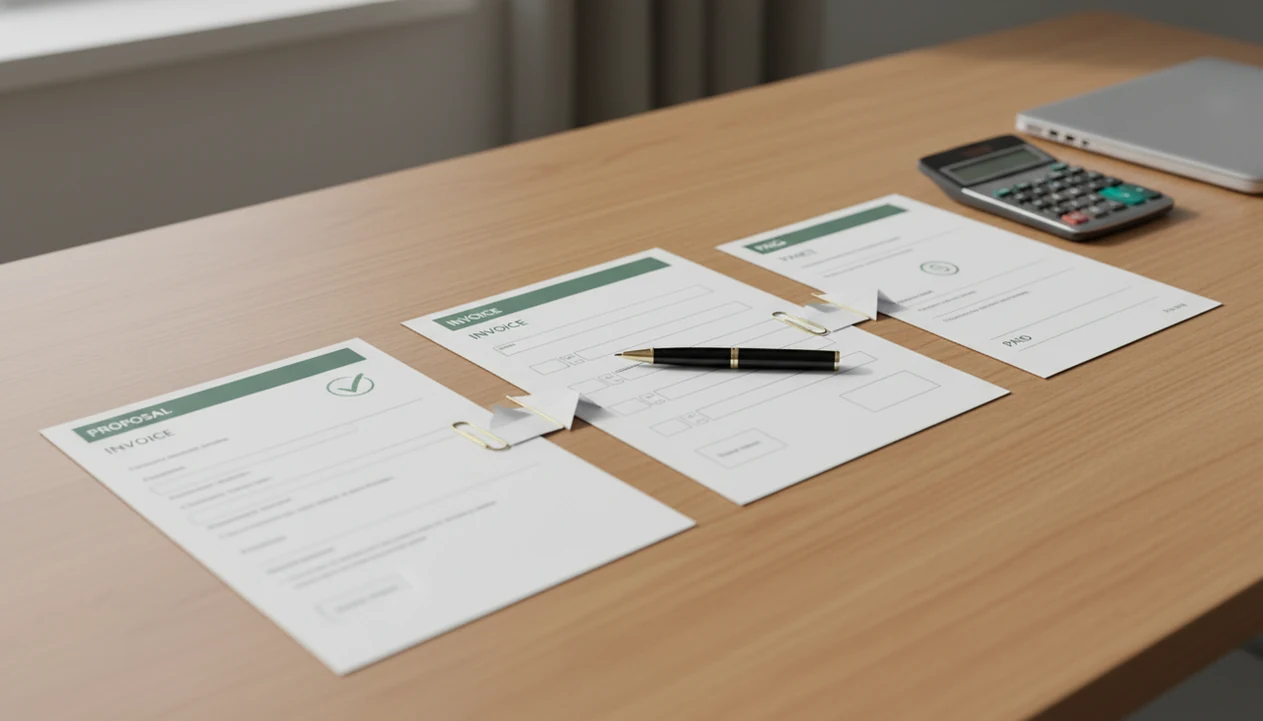
After an estimate is approved, the next billing action is usually to convert it into an invoice, add payment terms, and send it to the customer for payment. In most apps, what happens after estimate approved is not automatic payment; approval only confirms the customer accepts the price, scope, and terms.
Definition: An approved estimate is a customer-accepted quote that documents agreed scope and pricing but does not become revenue until it is invoiced and paid.
TL;DR
- An approved estimate confirms agreement, but it does not charge the customer or record income.
- The next step is to convert the estimate to an invoice, review the details, add due dates or deposits, and send it.
- Use clear statuses such as Estimate, Approved, Invoiced, and Paid so you do not miss or duplicate billing.
What an Approved Estimate Means Before the Next Billing Step
An approved estimate means the customer accepted the proposed scope, price, and terms. It is agreement, not billing, and it does not mean money has moved.
The estimate still matters after approval. It becomes the reference document if the customer later asks why a line item costs $480, why the tax line appears below the subtotal, or whether ceiling stain photos were included in the original job note. Keep it attached to the client record.
No revenue is usually recorded at this stage because the formal payment request has not been created. The invoice is the document that tells the customer what to pay, when it is due, and how to pay it.
Tools like Invoice Maker Teo, an invoice maker app for freelancers and small businesses, are built around this handoff: estimate first, invoice next, payment tracking after that.
Five Facts About What Happens After Estimate Approved
- Approved estimates do not charge customers by themselves. Approval only records that the customer accepted the price and scope.
- The main next step is to create or convert estimate to invoice. The invoice becomes the formal request for payment.
- Some apps auto-convert approved estimates, while others require a manual tap. Always check the status before assuming an invoice exists.
- Invoices need due dates, payment methods, deposits, or payment terms before sending. A copied estimate with no due date can stall payment.
- Bookkeeping reports usually use invoices and payments, not estimates. The estimate stays useful for communication, but the invoice and cleared payment drive the money record.
For freelancers and small service businesses, the safest workflow is to treat approval as a green light to bill, not as proof that billing is complete.
Small distinction. Big consequence.
Before You Convert an Approved Estimate to an Invoice
Before you convert an approved estimate to an invoice, make sure the accepted document still matches the real job and the customer’s billing expectations. This quick check prevents the invoice from carrying forward an old price, missing deposit, or wrong contact detail.
- Confirm the customer approved the latest estimate version, especially if you revised scope, pricing, or notes after an earlier draft.
- Compare the estimate against the job as it stands now, including scope, tax, discounts, labor assumptions, and material costs that may have changed.
- Decide what the invoice should ask for: the full balance, a deposit before work starts, or a milestone payment tied to a phase of the project.
- Verify the billing name, email address, payment method, and due-date expectation before sending anything the customer may forward to accounting.
- Save supporting details such as site photos, text approvals, email confirmations, or field notes before the invoice record is created.
A two-minute review here is easier than voiding an invoice, explaining a mismatch, or chasing payment with the wrong terms attached.
Approved Estimate to Invoice Workflow for Customer Billing
How approved estimate workflows work: the app copies the customer details, line items, quantities, totals, notes, and tax fields from the estimate into a new invoice record. In plain terms, the quote becomes a bill after you review it and send it.
A clean status trail usually looks like Estimate, Approved, Invoiced, Sent, Paid, or Overdue. That status sequence prevents the aged invoice list from turning into guesswork beside a calendar. If the status still says Approved, the customer may have accepted the job but not received a payment request.
Fast conversion matters because cash flow is often tight. In the Federal Reserve Banks' 2021 Small Business Credit Survey, 34% of employer firms reported cash flow as a financial challenge, which is why an approved estimate should not sit unsent after approval (https://www.fedsmallbusiness.org/survey/2021/report-on-employer-firms).
The invoice creates the formal payment request; the estimate only documents the agreed plan.
How to Convert Estimate to Invoice After Customer Approval
How to use an approved estimate in a billing workflow:
- Review the accepted scope, customer name, invoice number sequence, line items, taxes, and notes before creating the invoice.
- Convert the estimate into an invoice inside your app, or create a new invoice from the same customer record if conversion is manual.
- Add the due date, deposit amount, payment method, and any payment terms the customer agreed to.
- Send a PDF copy through email, Messages, WhatsApp, or another channel the customer actually checks.
- Track the payment status until it changes from Sent or Overdue to Paid after the payment clears.
Invoice Maker Teo is built for this handoff: it helps freelancers and small businesses create the invoice from the approved estimate, send a PDF, add reminders, and track whether the payment is still open or paid.
If you need a tool built around this handoff, an app that turns estimates into invoices is usually easier than rebuilding each invoice from scratch.
Approved Estimate Next Steps for Deposits and Phased Work
Should you request a deposit after an estimate is approved? Yes, if you need to reserve time, order materials, or reduce the risk of starting work without cash committed.
For phased work, many freelancers and small businesses invoice part of the approved estimate first. A common setup is 30% upfront and 70% on completion, but the split should match the job, not a canned rule. A web designer might add a deposit line before launch. A contractor may bill materials first, then labor after the final walkthrough.
The approved estimate gives you reusable line items. You can copy the same descriptions, adjust quantities, or bill a percentage of the total without retyping the job from a sticky note.
Review the estimate before invoicing if scope, labor, timing, or material costs changed. For a deeper timing view, the estimate to invoice timeline explains when to bill before, during, or after the work.
Common Mistakes After an Approved Estimate
The most common mistake is assuming approval means the client has been billed. It does not. If no invoice was sent, the customer may have no due date, payment link, or PDF copy to forward to their bookkeeper.
Another mistake is starting work before sending a deposit request or invoice acknowledgment. That can be fine for trusted repeat clients, but it creates risk when materials, subcontractors, or reserved time are involved.
Some users also assume every app auto-converts approved estimates. Many do not. One missed tap can leave a job marked Approved for two weeks with no invoice number assigned.
QuickBooks, FreshBooks, Zoho Invoice, and Invoice Maker Teo can all handle estimate-to-invoice workflows differently, so the safe move is to confirm the invoice number exists before telling the customer they have been billed.
Check the boring fields before sending. Yesterday’s copied due date, a missing payment method, or a client name spelled two ways can slow payment and make follow-up awkward.
For field quotes created on-site, the best estimate maker app workflow should still leave room for review before billing.
How to Verify an Approved Estimate Became a Paid Invoice
To verify the workflow is complete, check three separate things: the estimate status, the invoice status, and the actual payment record. Approval, invoicing, and payment are different events.
Start with the estimate. It should show Approved or Invoiced, not Draft. Then open the invoice and confirm it was sent, has the correct due date, and includes the chosen payment method. That is the moment when the email subject typed with one thumb either matters or gets lost in the thread.
Only mark the invoice Paid after the payment clears through the selected method, such as bank transfer, card, cash, check, PayPal, or Stripe. A promise to pay is not payment.
Payment tracking protects cash flow because missed collections add up quietly. A U.S. Census Bureau Small Business Pulse Survey analysis found that many small businesses operate with only short cash buffers, so delays between approval and invoicing can matter quickly (https://www.census.gov/library/stories/2020/04/new-small-business-pulse-survey-shows-breadth-of-coronavirus-pandemic-impact-on-businesses.html). An invoice payment tracking app can help keep unpaid work visible.
Limitations
Approved estimate workflows are useful, but they are not foolproof. Review the actual invoice before treating the job as billed.
- Not every invoicing app automatically converts approved estimates to invoices.
- An approved estimate can become outdated when scope, materials, labor, or timing changes.
- Some lightweight apps do not include built-in online payment processing.
- Partial payments, tax lines, currencies, and custom invoice layouts may be limited.
- Invoices still need reconciliation with bank activity, card deposits, or accounting records.
- Automation can create the wrong invoice if the estimate had an old price or copied due date.
- Bookkeeping rules vary by business setup, so ask a bookkeeper or accountant when revenue timing matters.
Automation helps most when the estimate is accurate. Bad source data just moves faster.
FAQ
Is an approved estimate an invoice?
No. An approved estimate confirms accepted scope and pricing, but it is not a payment request unless it is converted into an invoice.
Does approval charge the customer?
No. Estimate approval does not charge the customer unless a separate payment or deposit process is completed.
When should I send the invoice?
Send the invoice immediately after approval for simple jobs, before work starts for deposits, or at the agreed milestone for phased work. The invoice should include the due date and payment method.
Can I request a deposit first?
Yes. After estimate approval, you can create an invoice for a deposit amount before starting work or ordering materials.
Can an estimate convert to an invoice automatically?
Yes, some apps can auto-convert an accepted estimate into an invoice. Other apps require you to manually convert or recreate the invoice.
Do approved estimates count as income?
Usually no. Approved estimates are generally non-posting documents, while invoices and received payments are used for income tracking.
What should I do if the scope changes after approval?
Revise the estimate or create an invoice that clearly reflects the changed scope, price, dates, or materials. Do this before billing to reduce disputes.
Should I start work immediately after an estimate is approved?
Start work only when the approval, deposit, schedule, and invoice expectations match your business policy. Many freelancers wait for signed approval, deposit payment, or invoice acknowledgment before beginning.