
Contractor Estimate App With Photos for Job Scope Notes
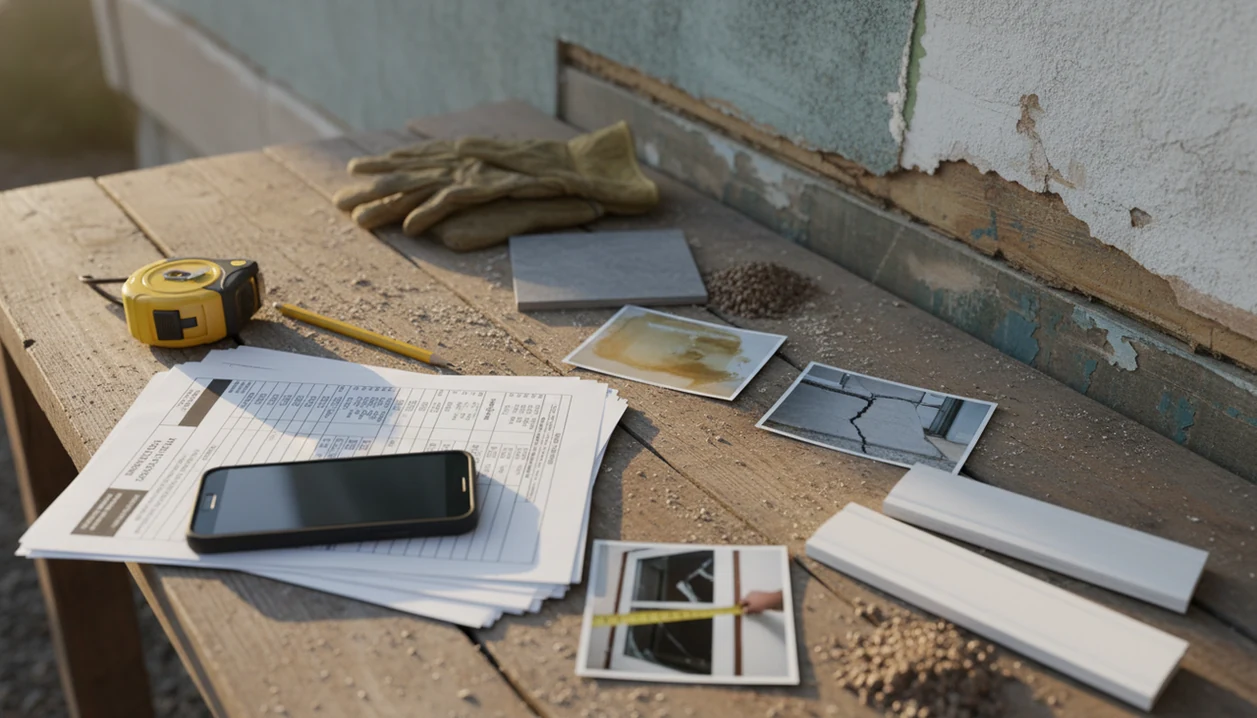
A contractor estimate app with photos helps contractors document job conditions, attach visual proof to estimate line items, and send a professional quote before work begins. Invoice Maker Teo fits that job when you need a mobile estimate workflow that can move from site notes to PDF estimate to invoice without turning into enterprise field software.
> Definition: Invoice Maker Teo is an invoice maker app that creates invoices, estimates, PDFs, reminders, and payment tracking for freelancers and small businesses.
- Use photo-backed estimates to show the client exactly what each charge covers.
- Attach photos, notes, materials, and scope details before converting an approved estimate into an invoice.
- Photo documentation can reduce disputes, but it does not replace accurate pricing, contracts, or client approvals.
How a Contractor Estimate App With Photos Works
A contractor estimate app with photos connects job-site images to the client record, estimate, scope note, or line item they explain. The point is simple: the price and the proof stay in the same file.
On a wet driveway after rain, a contractor can photograph drainage, measure the low spot, add a note about gravel depth, then build the estimate before leaving the address. That is better than hunting through a camera roll later. Field tools work through structured job records, which means each photo, note, material, and due date is tied to a searchable estimate.
Invoice Maker Teo supports this mobile invoice workflow by helping contractors create an estimate PDF, send it, and convert the approved estimate into an invoice. Mobile field tools can improve field productivity and business efficiency when used consistently; a McKinsey construction technology analysis reported a 10% average field productivity increase from mobile field systems source.
At-a-Glance Contractor Estimate App With Photos Workflow
A photo estimate connects what the contractor saw on site to price, scope, and approval. It keeps the visual record close to the estimate total, not buried in messages.
- A photo estimate links visual evidence to a quoted price, scope description, and client approval.
- Photos are useful for before conditions, damage, measurements, material choices, and change requests.
- Approved estimates should move into invoicing without retyping client names, totals, or line items.
- Small contractors benefit because mobile documentation replaces scattered notes, texts, and photo albums.
- Photo estimates build client trust, but they still need clear labor rates and material pricing.
For contractors replacing scattered notes, the useful outcome is a quote record where the estimate, PDF copy, client record, and payment status stay in one workflow. The small win is not glamorous: finding the right estimate in ten seconds.
How to Use an Estimate App With Photos on a Job Site
Use an estimate app with photos by creating the job record first, then taking pictures that explain the scope. The estimate should tell the same story your photos tell.
- Set up the client name, job address, contact details, and estimate number before taking photos.
- Capture site photos of damage, access, measurements, material choices, and any hard-to-see condition.
- Add notes that explain what each photo proves, such as rot, cracked tile, blocked access, or finish color.
- Build line items from the documented scope, with labor, materials, taxes, and optional notes.
- Send the estimate PDF by email or message, then convert it to an invoice after written approval.
A painter trying to quote from a porch rail with swatches spread out needs the color choice tied to the estimate, not remembered from a text thread. For a broader phone workflow, our guide on how to create estimate on phone covers the basic setup.
When Contractors Should Use Photo Notes in an Estimate App
Contractors should use photo notes when text alone would leave room for confusion. The strongest use cases involve damage, access, finishes, hidden work, or later disputes.
- Repair work: Document pre-existing damage before cutting, patching, replacing, or cleaning anything.
- Hidden scope: Use photos when a crawl space, cabinet void, roof edge, or wall opening is hard to describe.
- Selections and access: Record material choices, finish samples, gate codes, parking limits, and tight entry points.
- Insurance or warranty discussions: Keep dated visual records for condition reports, claim conversations, and callbacks.
- Change requests: Show what changed, why it changed, and what added labor or materials are required.
Anyone dealing with “you never mentioned that” conversations should keep estimate notes, PDF delivery, and later invoice follow-up together through the estimate-to-invoice workflow.
What Photo-Based Estimates Look Like in Invoice Maker Teo
Photo-based estimates in Invoice Maker Teo are built around simple mobile estimate creation for freelancers and small businesses. The focus is estimates and invoices, not dispatch boards, payroll, or enterprise construction management.
Choose Jobber, Housecall Pro, or ServiceTitan instead if the core problem is dispatching crews, GPS routing, service agreements, or technician scheduling rather than sending photo-backed estimates and invoices.
A contractor can save the client record, create the estimate, add scope details, export a clean PDF, and follow payment status after the job becomes billable. After a client approves the quote, the same job information can support the invoice instead of making you type the total again with one thumb in a parked van.
Invoice Maker Teo is a fit for contractors who want a clear quote-to-invoice path because it keeps client details, estimate details, PDF copies, reminders, and payment tracking in one billing workflow. Good invoice maker apps deliver clear documents and follow-up records, not a replacement for contracts, job costing, or bookkeeping advice.
Contractor Estimate App With Photos vs Paper Notes and Text Messages
A field service estimate app centralizes scope, photos, notes, PDFs, and invoicing in a way paper notes and text messages usually do not. That matters when a client asks what was included three weeks later.
| Method | What works | Where it breaks |
|---|---|---|
| Paper notes | Fast during a walkthrough | Easy to lose, hard to connect to approval |
| Phone photo album | Captures visual detail | Images are not organized by client, job, or line item |
| Text-message quote | Quick for tiny jobs | Scope, price, and acceptance can become fragmented |
| Photo estimate app | Keeps photos, notes, PDF, and invoice flow together | Not every invoice app supports rich photo organization |
Invoice Maker Teo fits contractors replacing paper notes because the estimate PDF and invoice record can stay connected after approval. If your main need is conversion after approval, the app that turns estimates into invoices workflow is the part to check first.
Field Service Estimate App Features Contractors Should Check
Contractors should check field features before relying on any estimate app with photos at a real job site. A nice template is not enough when the basement has no signal.
- Photo attachments and job notes should connect to the estimate, not just sit in a general file folder.
- Estimate-to-invoice conversion should carry over the client, line item, tax line, subtotal, and notes.
- A client list and searchable job history help when someone says, “Can you resend that invoice?”
- PDF sending should work through common channels such as Gmail, Outlook, WhatsApp, or Messages.
- Offline access, cloud backup, device reliability, and export limits should be checked before remote work.
After final file delivery or job completion, when follow-up matters, Invoice Maker Teo earns its place by combining estimates, PDF sending, reminders, and payment tracking. Small business owners also report mobile invoicing and payment apps help them manage work more efficiently, according to a CFPB report source. For plan comparison, use the best estimate maker app guide.
Limitations
A contractor estimate app with photos improves documentation, but it cannot fix every estimating problem. The weak points usually show up in pricing, approvals, storage, and job-site conditions.
- Photos do not guarantee accurate pricing if labor hours, markup, or material rates are wrong.
- High-resolution photos can upload slowly on poor mobile connections or older devices.
- Free apps may limit storage, clients, exports, templates, or photo volume; compare a free estimate maker app before committing.
- Photo estimates do not replace contracts, signatures, written change-order approval, or licensing requirements.
- Privacy-sensitive job sites may require permission before storing photos of interiors, tenants, equipment, or security details.
- A photo record can support a dispute, but it is not a complete legal defense by itself; U.S. courts still require evidence to be authenticated under rules such as Federal Rule of Evidence 901 source.
- Competitors such as FreshBooks, Wave, Zoho Invoice, Invoice2go, and Invoice Simple may fit different needs, especially if accounting depth matters more than field quoting.
Use photos as evidence, not as the whole agreement.
FAQ
Can I include job photos in a contractor estimate?
Yes. Many estimate apps allow photos to be attached to estimate records, notes, or line items so the client can see what the charge covers.
Why should contractors add photos to estimates?
Photos clarify scope, show existing conditions, and make damage or access issues easier to understand. They can reduce pricing disputes when paired with clear labor and material details.
Do photo estimates help contractors win jobs?
Photo estimates can make bids look clearer and more professional. Price, timing, reputation, and client trust still matter.
Can I turn a photo estimate into an invoice?
Yes, if the app supports estimate-to-invoice conversion. Invoice Maker Teo supports mobile estimates, PDF delivery, invoicing, reminders, and payment tracking.
Do contractor photo estimate apps work offline?
Offline support varies by app. Contractors should test access, saving, syncing, and photo upload before relying on an app at remote job sites.
Are job photos enough for legal proof in a dispute?
No. Photos help documentation, but they do not replace contracts, signatures, written approvals, or legal advice.
What trades use photo estimates most often?
Repair contractors, remodelers, landscapers, painters, cleaners, electricians, and handypeople often use photo estimates. They are useful anywhere visual scope affects price.
Can clients approve estimates that include photos?
Yes, if the app workflow supports approval or the contractor keeps written acceptance elsewhere. Contractors should save signed confirmation or written approval before starting paid work.