
Is Online Invoicing Secure for Client Billing Records?
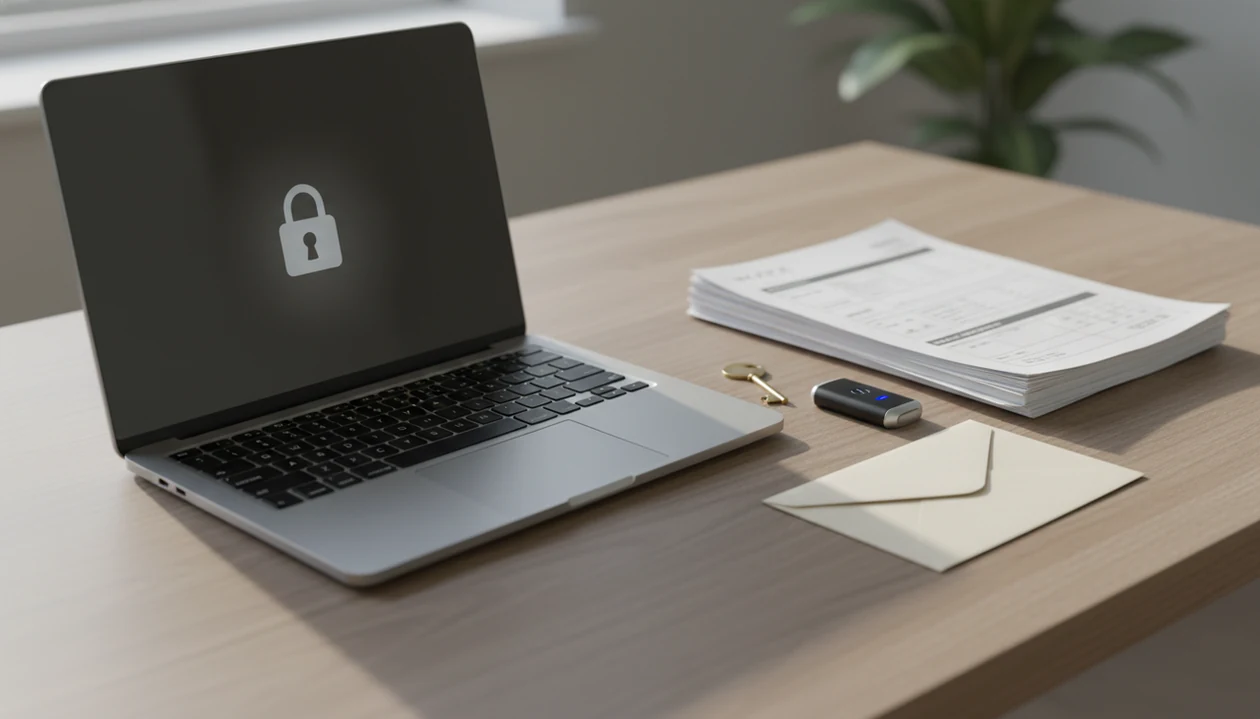
If you're asking "is online invoicing secure," the answer is yes for most freelancers and small businesses when the app uses encryption, controlled account access, trusted payment flows, and careful sharing habits. The main risks are usually phishing, weak passwords, account sharing, device loss, and fake payment requests rather than the invoice PDF itself.
> Secure online invoicing means creating, sending, storing, and tracking invoices through a digital system that protects invoice records, client details, account access, and payment communication with technical and user-level safeguards.
- Online invoice safety depends on both the invoicing platform and your business habits.
- Look for encryption, password protection, access controls, exports, backups, and trusted payment links.
- Invoice fraud often starts with spoofed emails or changed payment instructions, not with the invoice template.
Online invoicing security safeguards at a glance
Online invoicing is generally safe when the app protects account access, invoice records, client details, PDFs, reminders, payment tracking, and payment links. Secure invoicing is shared work: the platform handles technical safeguards, and the user handles passwords, recipient checks, exports, and follow-up habits.
A good invoice maker app for freelancers and small businesses should create, send, and track invoices and estimates, not replace a bank, payment processor, accountant, or fraud investigator.
For a freelancer or small business, the app's job is narrower: create accurate invoices and estimates, generate PDFs, send reminders, and track payment status. The safety check still starts with the basics: who can log in, who can edit, where PDFs go, and whether payment links are genuine.
Small mistakes travel fast.
Five facts about online invoice safety
- Encryption reduces exposure. Encryption in transit protects invoice data while it moves, and encryption at rest protects stored client and billing records from easier unauthorized access.
- Permissions reduce internal risk. Role-based access can help stop a helper, subcontractor, or staff member from viewing, editing, sending, or deleting invoices they should not touch.
- History helps spot suspicious edits. Audit trails and invoice history make it easier to notice a changed due date, edited payment note, or resent PDF after a client says, “Can you resend that invoice?”
- Digital records can cut manual errors. Online invoicing can reduce duplicate invoices, copied line item mistakes, and lost spreadsheet rows because records stay tied to a client record and invoice number.
- User behavior still matters. Weak passwords, shared logins, phishing emails, and unlocked phones can defeat a secure app.
For small teams, secure invoicing usually works best when platform controls are paired with simple human checks before money moves.
Secure online invoicing data flow behind the scenes
Secure online invoicing works by protecting invoice data as it is created, stored, sent, tracked, and exported. The core mechanisms are encryption, authentication, session protection, permissions, and activity history.
When you create an invoice, the app saves client details, line items, totals, tax lines, notes, and the invoice number in its system. Encryption in transmission means the data is scrambled while moving between your device and the service. Encryption at rest means stored records are protected when they sit on servers or backups.
Account authentication checks that the person logging in is allowed to use the account. Session protection helps reduce risk after login, especially on shared devices. Permissions decide who can view, edit, send, or delete invoice records.
Payment links may be handled by a separate payment processor, so payment security and invoice record security are related but not identical. For card workflows, the practical boundary is covered more deeply in PCI compliance for invoice payments.
Secure invoicing controls to check before billing clients
Before billing clients, check whether the invoicing app explains its security controls in plain language. Vague phrases like “bank-level security” are not enough unless the vendor describes login protection, data storage, permissions, backups, and recovery.
Account access controls
Look for secure login, strong password support, password reset controls, device access options, and account recovery. If you send a PDF copy through Gmail, Outlook, WhatsApp, or Messages, the account used to send it also becomes part of the security chain. A secure invoice maker app should make that boundary clear.
Invoice record controls
Check for invoice history, export options, backups, and controls over who can view, edit, send, or delete invoices. A contractor with a clipboard tucked under one arm should not need enterprise software, but they do need a record of what changed and when.
Online invoice fraud risks for small businesses
Can online invoices be used in fraud? Yes, invoice fraud often starts with spoofed invoice emails, fake payment requests, altered bank details, or impersonation of a known client or supplier.
According to the FBI Internet Crime Complaint Center's 2023 Internet Crime Report, IC3 received 880,418 complaints in 2023 and reported $12.5 billion in losses; phishing and spoofing were the most commonly reported crime type (https://www.ic3.gov/Media/PDF/AnnualReport/2023_IC3Report.pdf).
Freelancers and small businesses are not too small to be targeted. They often move quickly, work from phones, and may not have a second person checking payment changes. A polite reminder drafted in the van can be legitimate, but a sudden “new bank account” email should slow the process down.
For client billing, the most useful fraud defense is to verify payment changes through a separate channel before sending money or updating stored details. More practical checks are covered in prevent invoice fraud.
Common myths about secure invoicing
Secure invoicing is not a single feature. It is a set of controls, habits, and verification steps that work together.
| Myth | Reality |
|---|---|
| Paper invoices are automatically safer than online invoices. | Paper can be lost, copied, mailed to the wrong address, or entered manually with errors. Online invoice safety depends on encryption, access, and sharing controls. |
| A professional-looking invoice email proves legitimacy. | Scam invoices often use logos, clean formatting, and familiar language. The sender and payment details still need checking. |
| A secure app prevents every data loss scenario. | Device theft, email compromise, weak passwords, and careless exports can still expose records. |
| Small businesses are not worth targeting. | Smaller businesses may have fewer approval steps, which makes fake invoices and changed payment details easier to attempt. |
| Encryption alone solves invoicing security. | Encryption helps protect data, but it does not stop phishing, shared logins, or payment redirection scams. |
The old template buried in downloads may feel private, but privacy is not the same as control.
Online invoicing security boundaries outside the app
Online invoicing security has boundaries outside the invoice app. Email account compromise can expose invoice messages, attachments, payment notes, and client replies even when the invoicing platform itself is secure.
Customer devices also matter. If a client opens an invoice or payment link on a compromised device, the risk may sit on their side of the transaction. Payment processor security is separate too; an invoice record can be accurate while a fake payment page or altered link creates danger elsewhere.
Exported PDFs need safe storage after download. A logo centered on a bright PDF looks tidy, but that file can still be copied, forwarded, uploaded to the wrong folder, or left on a shared tablet.
Shared devices and shared passwords remain risky. For message-based sending, email invoice safety is often the weak point worth reviewing first.
When to contact your bank, payment processor, or authorities
Contact outside help as soon as money, account access, or payment instructions look wrong. The invoicing app can help with records, but banks, processors, and authorities handle reversals, fraud investigations, and formal reports.
- Call your bank immediately if bank details changed unexpectedly, a client paid the wrong account, or you sent money after a suspicious invoice. Speed matters because recalls and holds are time-sensitive.
- Use the payment processor's fraud channel when a payment link looks altered, redirects to an unfamiliar page, or appears in a fake invoice message. Do not rely on the link in the suspicious email to reach support.
- Report account compromise through the invoicing app if someone may have accessed your account, changed invoices, resent PDFs, or viewed client records. Then reset connected logins, especially email and payment accounts.
- Preserve the evidence before deleting messages: invoice emails, full headers if available, PDFs, timestamps, account activity, payment screenshots, and any chat thread where instructions changed.
- File a report with IC3 or local law enforcement for serious fraud, confirmed losses, identity misuse, or repeated attempts. A quiet paper trail can become important later.
Five daily habits for secure online invoicing
- Use strong unique passwords for your invoicing app, email account, and payment account, and avoid reusing the same login across tools.
- Verify client email addresses and payment details before sending a new invoice, changing bank notes, or accepting a last-minute payment instruction.
- Limit account sharing and device access so helpers, subcontractors, or family members cannot open invoices from a shared phone or tablet.
- Review invoice history, reminders, and payment status before follow-up, especially when an overdue badge is checked before breakfast.
- Export PDFs and records safely by storing them in a controlled folder and sharing clean copies only through the intended channel.
For freelancers, secure online invoicing is often easier than spreadsheet billing because the invoice number, client record, PDF copy, and payment status stay connected.
Limitations
Secure invoicing reduces risk, but it cannot remove every fraud, privacy, or payment problem. Treat vendor claims as a starting point, not a guarantee.
- No invoicing platform can eliminate fraud completely.
- Encryption does not stop phishing, weak password reuse, or someone who already has valid account access.
- A compromised email account can still expose invoice messages, PDF attachments, and payment conversations.
- A compromised payment processor or customer device can affect payment safety even when invoice records are correct.
- Free or simple tools may not include granular permissions, detailed audit logs, approval workflows, or advanced recovery options.
- Downloaded invoice PDFs can be copied, forwarded, renamed, stored in the wrong folder, or attached to the wrong email.
- Security claims should be checked against actual vendor practices, including storage, login controls, backups, support access, and export handling.
A cleaner mobile invoice workflow can reduce clutter, but the safest process still includes verified recipients, careful exports, and separate checks for payment changes.
FAQ
Is online invoicing safe?
Yes, online invoicing is generally safe when the app uses encryption, access controls, reliable storage, and trusted payment workflows. Safety also depends on user habits such as strong passwords and verified recipients.
Can invoices be hacked?
Invoices can be exposed if an account, device, email inbox, or connected payment workflow is compromised. A secure invoicing system lowers risk but cannot protect against every outside breach.
Are invoice PDFs secure?
Invoice PDFs can be safe when exported from a trusted system and shared with the correct recipient. They become risky if stored on shared devices, forwarded carelessly, or sent to the wrong address.
Is email invoicing safe?
Email invoicing can be safe, but it is more exposed to spoofing, account compromise, and misdirected attachments. Platform sending plus recipient verification is usually safer than relying only on email threads.
What is invoice fraud?
Invoice fraud is a fake, altered, duplicate, or impersonated payment request. It often involves spoofed emails, changed bank details, or invoices that look legitimate.
Do invoices need encryption?
Yes, encryption helps protect invoice records, client details, and payment-related communication while data is stored or transmitted. It does not replace password security or fraud checks.
Are payment links secure?
Payment links can be secure when they come from a trusted payment provider and the recipient verifies the link source. A fake or altered link can still create payment risk.
How do I protect invoices?
Use strong passwords, verify recipients, check payment changes, limit account sharing, and store exported PDFs safely. A secure invoice app can help organize records, but secure habits remain necessary.