
Invoice Recordkeeping Guide for Small Business Billing
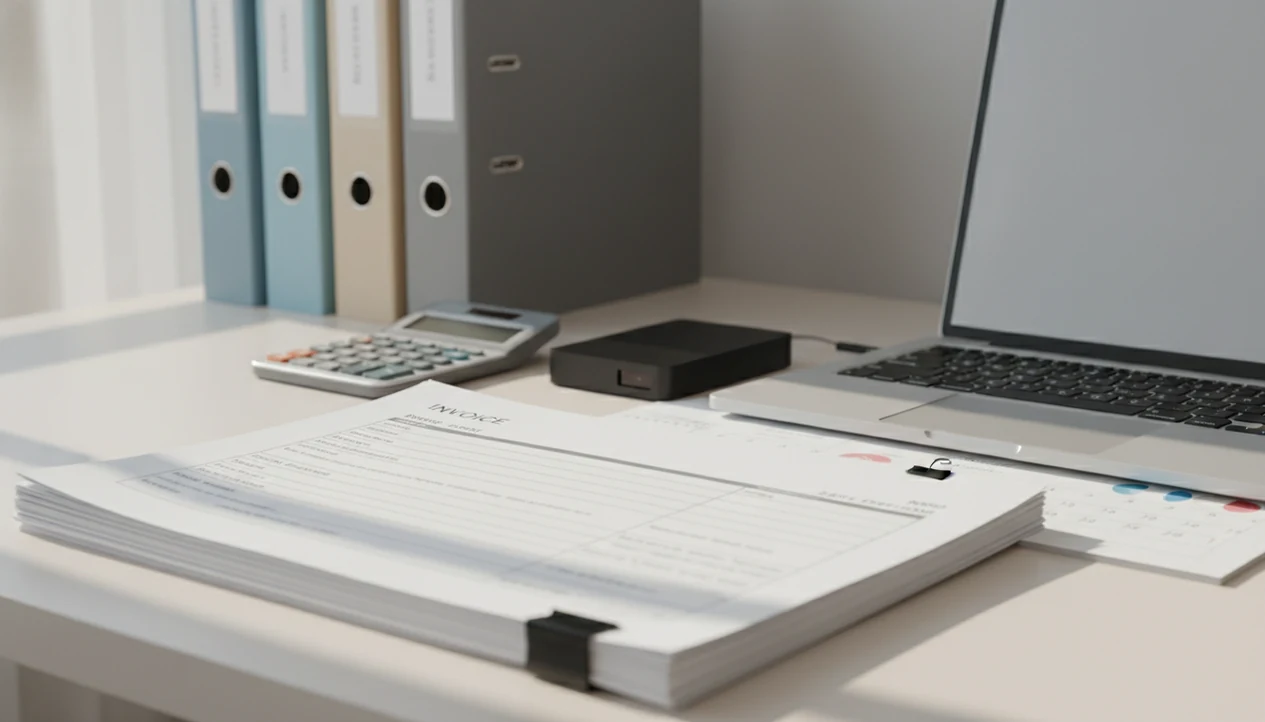
A practical invoice recordkeeping guide should help you save every invoice, use consistent invoice numbers, track tax lines and paid status, export records, back them up, and keep them for the retention period required in your country. For most small businesses, the safe baseline is to keep invoice records for several years, with official rules commonly ranging from three to seven years depending on jurisdiction and situation.
> Definition: Invoice recordkeeping is the system a freelancer or small business uses to create, store, retrieve, and retain invoices and related billing evidence for payment tracking, bookkeeping, tax support, and client disputes.
TL;DR
- Keep invoice records in a complete, searchable system that includes invoice PDFs, invoice numbers, dates, client details, tax lines, paid status, receipts, and exports.
- Official retention rules vary: the IRS commonly points to three years for tax-supporting records, while CRA and HMRC commonly require six years and the ATO generally requires five years.
- Digital invoice records are acceptable in many situations when they are readable, complete, backed up, and easy to retrieve.
Invoice Recordkeeping Guide At A Glance
An invoice recordkeeping system should preserve saved invoice PDFs, invoice numbers, client names, issue dates, due dates, tax lines, payment status, exports, and backup copies. The practical retention baseline is several years, but the exact period depends on your country, tax position, business type, and open disputes.
The point is not to build a giant accounting archive. It is to keep the next invoice easy to find when a client asks, “Can you resend that invoice?” and you’re checking unpaid status on your phone between jobs.
Tools like Invoice Maker Teo can support the billing side by creating invoices, estimates, PDFs, reminders, and payment tracking for freelancers and small businesses. A good invoice maker app for freelancers and small businesses should leave behind clear billing records; it should not be treated as tax filing strategy, payroll, or legal advice.
Five Invoice Retention Basics Every Small Business Should Know
- Keep the full money trail together. Sales invoices, vendor bills, receipts, bank deposits, processor receipts, and client remittance notes belong in the same searchable record set.
- Retention continues after payment. Tax agencies often require records for multiple years, not just until the client pays or the job closes.
- Digital records can work. Electronic invoices are usually usable when they are complete, readable, backed up, and retrievable without depending on one phone.
- Consistent invoice fields reduce cleanup. Invoice numbers, dates, tax lines, totals, currency, and client details make monthly reconciliation easier.
- Repeat beats rescue work. A monthly export routine is safer than scattered email attachments, copied spreadsheet tabs, and last-minute folder hunting.
Small errors compound fast. A missing invoice number looks harmless on Tuesday, then turns into a bookkeeper question in April.
How Invoice Recordkeeping Works Behind The Scenes
Invoice recordkeeping is a chain of evidence that connects the estimate, invoice, PDF copy, delivery record, payment status, receipt, bank match, and tax export. Each step helps prove what was billed, when it was sent, who owed it, and whether it was paid.
Invoice numbers and timestamps create an audit trail. In plain terms, they make it easier to spot a skipped invoice, a duplicate PDF, or yesterday’s copied due date before it becomes a client dispute. A contractor with a contract tab open beside the total needs the invoice number to match the job, not a vague file called “final-new-2.pdf.”
Recordkeeping is not the same as tax filing or full accounting software. It supports those jobs by preserving billing evidence. If you are choosing tools, privacy and storage details matter too; our invoice app privacy guide covers that side of the workflow.
Official Invoice Retention Rules By Country
There is no single global invoice retention rule. Country rules differ, and special cases can extend the period, so use official tax authority guidance before deleting invoice records.
| Country or authority | Common invoice retention rule | Practical note |
|---|---|---|
| IRS, United States | Three years for records supporting income, deductions, or credits, measured from filing date or due date, whichever is later | Longer periods apply in some situations, according to the IRS source |
| IRS, United States | Seven years for records tied to worthless securities or bad debt deduction claims | Relevant if unpaid invoices become bad-debt support |
| CRA, Canada | Six years from the end of the last tax year the records relate to | Applies to books and records, including invoices CRA source |
| HMRC, United Kingdom | At least six years for company records, including sales and purchase invoices | Exceptions can apply depending on the business HMRC source |
| ATO, Australia | Generally five years for most business records, including invoices | Count from when prepared, obtained, or transaction completed ATO source |
For small businesses, keeping invoice records for several years is often safer than deleting paid PDFs once a job feels finished.
What To Keep In Invoice Records
A useful invoice file keeps the invoice itself, the payment trail, and the related job context. If a client questions a total, you want the line item and approval note in reach, not buried in an old text thread.
- Invoice document: Save the PDF copy or original electronic invoice exactly as sent.
- Core invoice fields: Keep invoice number, issue date, due date, client details, business details, line items, subtotal, discounts, tax rate, tax amount, total, currency, and payment terms.
- Payment status: Preserve whether the invoice is paid, unpaid, overdue, voided, refunded, or partially paid.
- Payment proof: Store bank deposit records, payment processor receipts, or client remittance notes with the invoice record.
- Related support: Keep estimates, change approvals, receipts, credit notes, and correspondence for disputed work.
For field jobs, a photo attachment or signed change note can explain why the final invoice differs from the first estimate.
Digital Invoice Records, PDFs, Exports, And Backups
Digital invoice records are often acceptable when they are complete, readable, accessible, and backed up. The weak point is usually not the PDF itself. It is relying on one inbox, one device, or one app login.
Keep invoice PDFs plus periodic CSV or spreadsheet exports. PDFs preserve the document you sent; exports help your accountant review totals, tax lines, client names, and payment status without opening each file. If you send invoices through Gmail, Outlook, WhatsApp, or Messages, export a clean PDF before the message goes out.
A simple archive can use Year > Client > Invoice Number folders. Filenames should include date, client, invoice number, and status. Use at least two storage locations, such as app or cloud storage plus a separate drive or secure cloud backup. For document delivery risks, email invoice safety is worth reviewing.
PDF Archive Naming Pattern
Use a filename like `2026-03-14Acorn-DesignINV-1042_Paid.pdf`. It sorts by date, names the client, identifies the invoice number, and shows status without opening the file.
Monthly Export Routine
At month end, export invoices, payments, and client records into a CSV or spreadsheet. Then save the export in the same year folder as the PDFs.
How To Keep Invoice Records In A Simple Monthly Workflow
A simple monthly workflow keeps invoice records accurate without turning billing into a full accounting project. The goal is a repeatable habit: create, send, confirm, match, export, and back up.
- Create each invoice in one invoicing app instead of switching between spreadsheet copies, PDF editors, and old templates.
- Save or confirm the invoice PDF immediately after sending, before the job details fade.
- Track payment status as paid, unpaid, overdue, voided, refunded, or partially paid.
- Match invoices to deposits in your bank account or payment processor each month.
- Export invoice records and store them in a year and client folder.
- Back up the folder and review missing invoice numbers before tax time.
For freelancers, a monthly export is often easier than a year-end cleanup because missing totals and copied formulas are caught while the work is still familiar.
Common Invoice Recordkeeping Myths
Bad record habits often start with a reasonable shortcut. A paid invoice opened at the counter feels finished, but the document may still matter later.
- Myth: paid invoices can be deleted after a year. Payment closes the receivable, not the tax or dispute record.
- Myth: only paper invoices count. Digital records can be valid when they are complete, readable, backed up, and retrievable.
- Myth: bank statements are enough. A deposit shows money moved, but the invoice explains who owed it, why, and how tax was calculated.
- Myth: side-gig income does not need invoice records. Freelance and part-time business income still needs support.
- Myth: invoice apps remove backup work. Apps help create and track records, but exports and backups protect long-term access.
The pocket check is real. So is the missing attachment.
Where Invoice Maker Teo Fits In Invoice Recordkeeping
Invoice Maker Teo is an invoice maker app that creates invoices, estimates, PDFs, reminders, and payment tracking for freelancers and small businesses. It can support the daily billing record by helping you create invoices, generate PDF copies, send reminders, and track paid or unpaid status.
That does not make the app a legal adviser, tax preparer, audit defense service, payroll system, or enterprise accounting platform. Use app records as part of the billing trail, then combine them with exports, backups, accountant review, and official retention rules.
If you are comparing billing tools, our best invoice maker app guide explains what to look for without assuming every small business needs complex accounting software.
Limitations
This guide is practical information, not personalized tax, legal, bookkeeping, or accounting advice. Invoice retention depends on facts that a general guide cannot fully know.
- Retention rules vary by country, state, province, industry, entity type, audit status, and tax situation.
- Some records may need longer retention for fraud issues, unfiled returns, litigation, grants, loans, insurance, or regulated industries.
- Digital-only records can fail if passwords are lost, files become unreadable, apps shut down, or backups are incomplete.
- Accurate storage does not fix inaccurate invoice amounts, missing tax registrations, wrong tax rates, or incorrect VAT/GST treatment.
- Bank matches can be unclear when several invoices are paid in one deposit.
- Businesses with employees, inventory, complex sales tax, international VAT/GST, or regulated records should consult a qualified professional.
- A secure archive still needs safe sending habits; our guide to prevent invoice fraud covers payment-detail tampering and PDF risks.
FAQ
How long should I keep invoice records?
Retention depends on jurisdiction and circumstances. Common official periods range from three to seven years, with longer retention possible for special tax, legal, or audit situations.
Can invoices be kept as digital records?
Yes, digital invoices are generally usable when they are complete, readable, backed up, and retrievable. Keep PDFs and exports in more than one secure location.
Are bank statements enough proof without invoices?
Bank statements usually do not replace invoices and receipts. They show payments, but invoices explain the client, line items, tax, terms, and business purpose.
What invoice details matter most for recordkeeping?
The key fields are invoice number, issue date, due date, client details, line items, tax rate, tax amount, total, payment terms, and payment status. Consistent fields make reconciliation easier.
Should I save invoices after they are paid?
Yes, paid invoices should still be retained. Payment does not end tax, bookkeeping, refund, warranty, or dispute record needs.
How should invoice files be named?
Use a filename pattern with date, client name, invoice number, and status. Example: `2026-03-14Acorn-DesignINV-1042_Paid.pdf`.
How often should I export invoice records?
Monthly exports work well for active businesses, while quarterly exports may suit lower-volume freelancers. Always create a year-end export for tax preparation.
Do freelancers need to keep invoice records?
Yes, freelancers and side-gig businesses should keep invoice records for income tracking, client history, tax support, and dispute handling. The business size does not remove the need for records.
What should I do if an invoice is missing?
Reconstruct the record from app data, sent emails, PDF copies, bank deposits, payment processor records, and client confirmation. Ask an accountant how to document the gap if the invoice affects tax reporting.