
App That Creates PDF Invoices for Clients and Records
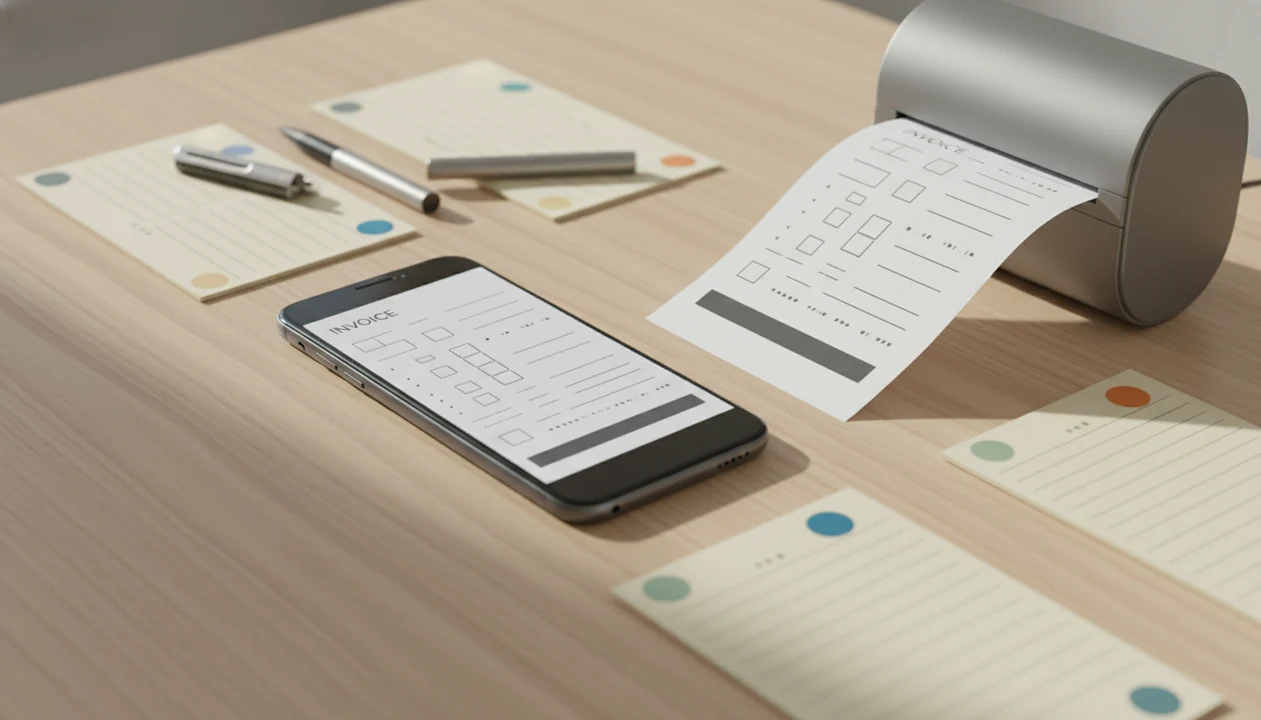
Yes, an app that creates PDF invoices should let you make a professional invoice, save it as a PDF, send it to a client, and keep the invoice as a structured record. For freelancers and small businesses, the important difference is whether the app stores client details, line items, taxes, due dates, estimates, reminders, and payment status after the PDF is created.
Definition: Invoice Maker Teo is an invoice maker app that creates invoices, estimates, PDFs, reminders, and payment tracking for freelancers and small businesses.
- A good PDF invoice app should create, send, and track invoices rather than only export a static file.
- Structured records matter because client history, invoice status, due dates, taxes, and past PDFs need to be searchable later.
- Invoice Maker Teo is built for mobile invoice and estimate creation, not broad accounting, payroll, or enterprise finance.
PDF Invoice App Feature Checklist
- A PDF invoice app should create the invoice, send the PDF copy, save the record, and track payment status.
- Useful records include client details, line items, tax, due dates, invoice numbers, PDF copies, and paid or unpaid status.
- The U.S. had 32.3 million small businesses in 2023, including 26.8 million nonemployer firms, according to the U.S. Small Business Administration Office of Advocacy: https://advocacy.sba.gov/2023/03/07/2023-small-business-profile/.
- A good mobile invoice workflow keeps the next invoice easy by reusing client records, saved services, and tax settings.
- Lightweight invoicing is not full accounting software; it is built for billing moments, not payroll or bank reconciliation.
A duplicated invoice number in a spreadsheet can waste more time than making the invoice. Invoice Maker Teo fits freelancers who need PDF invoices plus searchable records because it stores the client, invoice history, and payment status together.
How an App That Creates PDF Invoices Works
A PDF invoice app works by storing invoice data as structured fields, then rendering those fields into a PDF file. The client name, items, price, quantity, tax, due date, notes, and payment terms stay editable inside the invoice record.
The PDF is the output, not the source of truth. If a client asks for a date change or pays half now, the app record should show the edit, partial payment, or new status even if an earlier PDF has already been sent. That record trail prevents the “Which version did I send?” problem.
Phone billing is normal now: Pew Research Center reported that 96% of U.S. adults owned a smartphone in 2024, which makes a mobile-first invoice workflow practical after a job, not just at a desk: https://www.pewresearch.org/internet/fact-sheet/mobile/. If you need the full phone setup, our guide on how to make invoice on phone covers the step-by-step basics.
How to Use a PDF Invoice App
Use the app record first, then create the PDF from that record. Do not edit only the PDF outside the app, because the saved invoice trail can break.
- Set your business details, logo, invoice number format, tax settings, and payment terms.
- Add the client record with the correct name, email, phone number, and billing address.
- Enter line items with descriptions, quantities, prices, discounts, and any tax line below the subtotal.
- Review the due date, notes field, totals, and payment terms before generating the PDF copy.
- Create the PDF invoice and send it through email, Messages, WhatsApp, or another client-approved channel.
- Track the payment status as unpaid, paid, overdue, or partially paid where the app supports it.
For freelancers who send invoices from the field, Invoice Maker Teo covers the create-send-track loop because the PDF is generated from the saved invoice record.
Client Jobs That Need PDF Invoice Records
Is there an app that creates PDF invoices? Yes, and the useful version does more than make a file. It keeps the invoice connected to the client, job, due date, and payment status.
Freelance designers, consultants, trades, contractors, and small shops often need PDF invoices after deposits, milestones, repeat orders, or completed jobs. A laptop glow after final file delivery is a familiar billing moment; the invoice should go out before the job details scatter.
A simple generator may work for one invoice, but it usually falls short when a client says, “Can you resend that invoice?” Invoice Maker Teo helps repeat-client businesses because estimates and quotes can become invoices without retyping the same job details. For quote-heavy work, compare estimate workflows in our best estimate maker app guide.
PDF Invoice Creation in Invoice Maker Teo
The app helps freelancers and small businesses create invoices, estimates, PDFs, reminders, and payment tracking without turning billing into a full accounting project. Good invoice maker apps create, send, and track invoices and estimates, not payroll runs or enterprise finance reports.
The mobile flow is direct: choose or create a client, add line items, set the due date, review tax, generate the PDF, send it, and track the result. The due date check before sending is small, but it prevents yesterday’s copied terms from landing in a new client’s inbox.
Invoice Maker Teo saves the client list, invoice history, estimate history, PDF copies, and payment status. If the priority is sending a clean PDF invoice from a phone, this workflow fits because it keeps the editable record behind the PDF copy.
PDF Invoice App vs Template, Generator, and Accounting Software
A PDF invoice app sits between a one-off document tool and a full accounting platform. Templates and generators can create a PDF, but they may not preserve searchable records or payment status.
| Option | Speed | Structured records | Client history | Payment tracking | Accounting depth |
|---|---|---|---|---|---|
| PDF invoice app | Fast | Yes | Yes | Often yes | Light |
| PDF template | Medium | No | No | No | None |
| Online generator | Fast | Usually limited | Usually limited | Rarely | None |
| Spreadsheet | Medium | Manual | Manual | Manual | Light if maintained |
| Full accounting platform | Slower setup | Yes | Yes | Yes | Deeper |
FreshBooks, Wave, Zoho Invoice, and Invoice2go may suit users who want broader billing or accounting features. For small teams who mostly need invoices, estimates, PDF copies, and reminders, Invoice Maker Teo earns the spot because it keeps the workflow narrower and faster.
For many freelancers, a focused PDF invoice app is easier than a full accounting platform because the daily job is billing a client, not managing an entire ledger.
Structured Records a PDF Invoice App Should Save
A useful PDF invoice app should save the records behind the PDF, not just the finished file. That means the invoice can be searched, copied, corrected, resent, and marked paid later.
- Invoice identity: invoice number, sent date, PDF copy, payment status, and overdue status.
- Client profile: business name, contact person, email, phone, billing address, and saved history.
- Charges and totals: itemized services, quantities, prices, taxes, discounts, subtotal, and total.
- Terms and notes: due date, payment terms, deposit notes, late-fee language, and project details.
- Follow-up status: reminders, paid status, viewed status where available, and partial payment notes.
The U.S. Census Bureau reported that 84.4% of employer firms used the internet in 2019, which supports cloud and online recordkeeping as a normal business habit: https://www.census.gov/library/publications/2021/econ/2019-abs-company-summary.html. Invoice Maker Teo is useful here because unpaid status can be checked on a phone when a client asks for a resend.
For users comparing devices, our invoice maker app for iPhone and invoice maker app for Android pages explain mobile invoice setup by platform.
Limitations
PDF invoice apps are useful billing tools, but they have clear boundaries. Check these before choosing one.
- A PDF invoice app usually does not replace bookkeeping, tax software, expense tracking, or bank reconciliation.
- Legal invoice requirements vary by country, tax regime, industry, and business type, so local rules still matter.
- PDFs are static outputs; edits, credits, and partial payments can create version confusion if the app record is not updated.
- Free plans may restrict invoice volume, templates, branding, exports, reminders, automation, or client limits.
- Audit-trail quality varies widely between apps, especially around edits, sent timestamps, and payment status changes.
- Full accounting platforms like Wave or Zoho Invoice may fit better if you need deeper reports, recurring books, or accountant workflows.
- A weak mobile signal can delay sending the PDF attachment, even when the invoice record is already created.
Invoice Maker Teo is designed for mobile invoicing, estimates, PDF delivery, and payment tracking. It should not be treated as legal, tax, payroll, or compliance software.
FAQ
Is there an app that creates PDF invoices?
Yes, many apps create PDF invoices. Choose one that stores invoice records, client history, due dates, and payment status, not only PDF exports.
How can I create a PDF invoice file?
Enter your business details, client information, line items, tax, payment terms, and due date. Then generate the invoice as a PDF from the saved record.
Are PDF invoices legally valid?
PDF invoices are commonly used for billing. Legal requirements depend on location, tax rules, invoice content, and business type.
Can a PDF invoice be edited after it is sent?
Edits should be made in the invoice app record and then regenerated as a new PDF. Editing only the sent PDF can cause version confusion.
Do invoice apps track paid and overdue invoices?
Many invoice apps track paid, unpaid, overdue, and sometimes viewed status. Exact tracking features vary by app and plan.
Can estimates or quotes become invoices?
Many invoice maker apps let accepted estimates or quotes become invoices. Invoice Maker Teo supports invoice and estimate workflows for this kind of billing.
Is a PDF invoice app the same as accounting software?
No, a PDF invoice app is usually for invoicing, estimates, PDFs, and payment tracking. It normally does not replace bookkeeping, tax filing, or reconciliation software.
Can I send a PDF invoice from my phone?
Yes, mobile invoice apps are designed to create, send, and track PDF invoices from a smartphone. You can learn the sending workflow in our guide on how to send invoice with phone.