
Invoice Maker App Vs Invoice Template: Which Fits Your Billing Workflow?
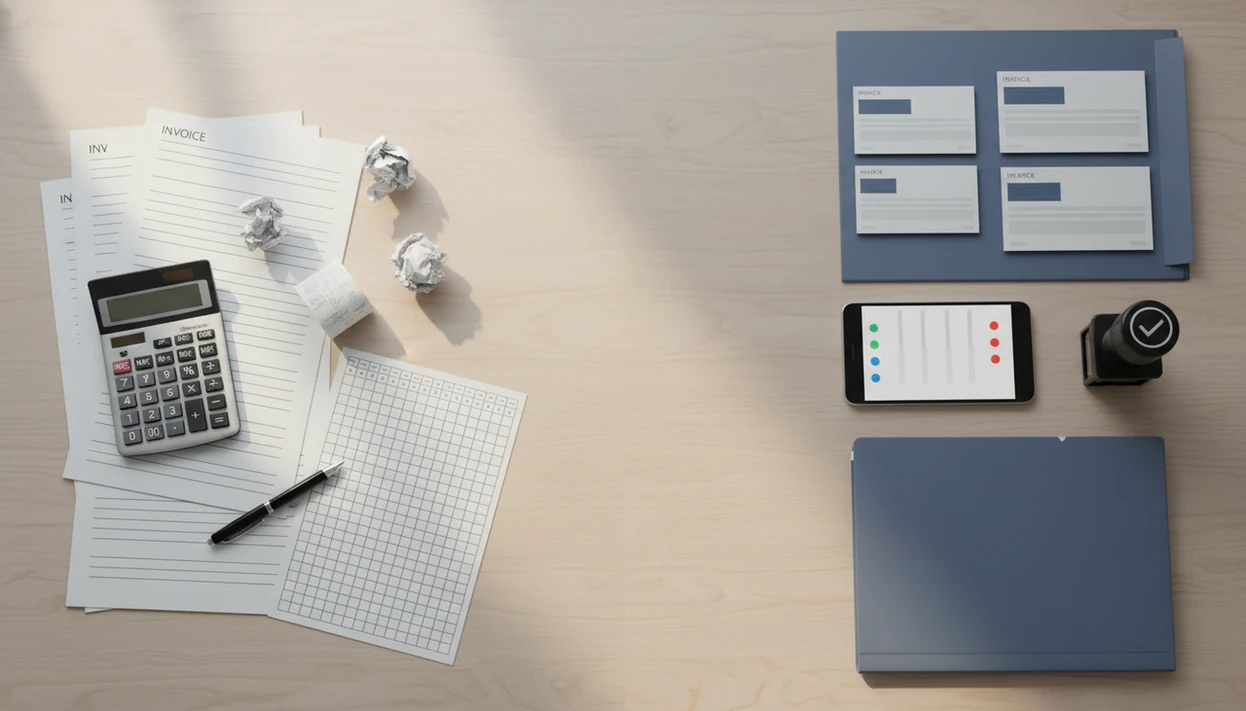
An invoice maker app is the better fit for recurring billing because it saves clients, numbers invoices, sends PDFs, tracks payment status, and supports reminders; a template is best for rare, simple invoices. This invoice maker app vs invoice template comparison explains where each option fits in a freelancer or small business workflow, with Invoice Maker Teo as one practical app example for mobile billing.
> Definition: Invoice Maker Teo is an invoice maker app that creates invoices, estimates, PDFs, reminders, and payment tracking for freelancers and small businesses.
- Choose an invoice maker app when you invoice regularly, need payment tracking, or want fewer manual errors.
- Choose an invoice template when you send only occasional invoices and do not need reminders, saved clients, or reporting.
- The practical difference is workflow: an app manages invoice creation through follow-up, while a template is only a reusable document layout.
Invoice Maker App Vs Invoice Template At A Glance
An invoice maker app is software for creating, sending, storing, and tracking invoices. An invoice template is a static Word, Excel, Google Docs, PDF, or spreadsheet layout that you copy and edit by hand.
| Billing need | Invoice maker app | Invoice template |
|---|---|---|
| Saved clients | Stores client records | Re-type or copy from old files |
| Invoice number | Often automatic | Manual |
| Tax and discounts | Calculates from settings | Manual formulas or typing |
| PDF copy | Generated inside workflow | Exported from document |
| Reminders | Usually supported | Separate email or calendar |
| Payment status | Tracked in app | Spreadsheet or memory |
| Estimates | Can convert to invoices | Usually separate file |
| Setup effort | More setup first | Faster first document |
The short answer is simple: use an app for a repeat billing workflow, and use a template for isolated billing. Tiny cells pinched on a phone get old fast.
How An Invoice Maker App Vs Template Workflow Works
An invoice app vs template decision is really a data-workflow decision. An app stores reusable billing data, while a template stores only the shape of the document.
In an app workflow, you enter business details, save clients, add line items, apply tax or discounts, generate a PDF copy, send the invoice, and track payment status. Invoice Maker Teo fits this workflow because it keeps client records, invoice numbers, estimates, PDFs, reminders, and unpaid status in one mobile invoice workflow.
A template workflow is more manual. You duplicate a file, edit the client name, change the due date, calculate totals, export a PDF, email it separately, then track the result somewhere else. A logo centered on a bright PDF still matters, but it doesn't tell you who paid. Apps reduce repeated data entry, but they still depend on correct setup.
5 Facts About Invoice App Vs Template Decisions
Before choosing, focus on the job after the invoice is sent. That is where templates and apps separate.
- An app combines creation, sending, and tracking; a template is only the document format.
- Apps commonly support automatic numbering, saved clients, taxes, discounts, reminders, and basic reporting.
- Templates are usually free or familiar, but they require manual entry and separate payment tracking.
- Regular invoicing makes an app more valuable for freelancers and small businesses.
- The choice can change as billing volume grows; many owners start with a template, then move to software.
The SBA Office of Advocacy reports that 99.9% of U.S. businesses are small businesses source. That matters for invoicing because many billing workflows are owner-run: the same person creates the PDF, sends it, and chases payment. Anyone dealing with repeat clients and copied invoice numbers fits Invoice Maker Teo because saved clients and automatic numbering keep the next invoice easy.
Where An Invoice Maker App Wins For Small Business Billing
An invoice maker app wins when billing repeats, changes, or needs follow-up. It helps most when you have recurring clients, repeat services, mobile invoicing, saved items, and estimates that later become invoices.
Apps also reduce small billing mistakes. Automatic numbering, consistent PDFs, tax and discount calculations, reminders, and payment status tracking all matter when a client says, “Can you resend that invoice?” A freelancer can check unpaid status on a phone instead of searching Gmail at the curb.
In a UK small-business survey from the Federation of Small Businesses, 44% of small and medium-sized businesses reported that late payments were a problem source. If the priority is follow-up, Invoice Maker Teo earns the spot because unpaid invoices and reminders live beside the original PDF. For regular client work, an app is often easier than a template because it handles the invoice after sending.
Where An Invoice Template Wins For Simple Billing
Does an invoice template still make sense? Yes, templates work well for very low invoice volume, one-off projects, early side-hustles, or a business that sends only one or two invoices per year.
A template can be cheap, familiar, and easy to customize. Many owners already know Word, Excel, Google Docs, or Sheets, and there is no app setup before the first PDF goes out. A single design job or a once-a-year consulting invoice may not need saved clients or reminders.
The tradeoff is manual work. You handle invoice numbers, totals, tax lines, PDF exports, email sending, and payment tracking yourself. That is manageable at low volume. It becomes fragile when the old template is buried in downloads and last month’s due date is still sitting in the file.
Invoice Generator Vs App Pricing And Policy Differences
Invoice generator vs app pricing is not only about the subscription line. It is about what happens to the invoice data after the PDF is made.
| Option | Typical cost | Data location | Workflow fit |
|---|---|---|---|
| Invoice template | Often free | Personal drive or computer | Simple, manual billing |
| One-time invoice generator | Often free or limited | Depends on site policy | Fast one-off PDF |
| Invoice maker app | Free tier or paid plan may apply | Stored in the tool, sometimes synced | Repeated billing and follow-up |
Free templates may cost no money, but they can cost time through manual edits, exports, and payment checks. Apps may offer free tiers, paid plans, mobile access, cloud sync, or storage limits depending on the product. For example, Wave emphasizes free invoicing and accounting, FreshBooks emphasizes broader accounting features, Zoho Invoice fits teams already using Zoho tools, and Invoice Maker Teo is narrower: mobile invoices, estimates, PDFs, reminders, and payment tracking.
Privacy matters too. Templates may live in a personal drive. Apps store business and client data inside the service, so review retention and access policies before adding client records.
Evidence Behind Invoice App Vs Template Decisions
The evidence points to a practical split: apps help when billing is frequent and follow-up matters, while templates remain reasonable when invoice volume is very low. The strongest support is category-level evidence about small-business operations and late payment, not product-specific proof about Invoice Maker Teo.
Small-business population data matters because many invoices are created by owners, freelancers, or tiny teams rather than finance departments. In that setting, the same person may write the invoice, send the PDF, check the bank, and chase overdue work between client jobs. Late-payment research supports the value of reminders and payment tracking because the pain is not only making the invoice; it is knowing what happened after it left your phone.
Use the evidence this way:
- Estimate whether billing is occasional, monthly, weekly, or tied to repeat clients.
- Identify whether late payment, resend requests, or missing status notes already cost time.
- Choose a template if you send only rare, simple invoices and can track payment manually.
- Choose an app if saved clients, numbering, reminders, and unpaid status would remove repeated admin.
Software-adoption and bookkeeping-tool data can strengthen this choice when available, but the core decision still comes back to volume and follow-up.
How To Choose An Invoice Maker App Vs Invoice Template
Choose based on billing frequency, not on the look of the invoice alone. Good invoicing tools create, send, track, and help you follow up, not replace bookkeeping judgment or tax advice.
- Count how many invoices you send each month and how many clients repeat.
- Review late-payment risk, including clients who often ask for a resend.
- Check whether you need mobile PDF sending through Gmail, Outlook, WhatsApp, or Messages.
- Estimate tax, discount, deposit, and line item complexity before choosing a manual template.
- Choose an app if invoicing is recurring or follow-up matters; choose a template if billing is rare and simple.
Freelancers who bill milestones should also check whether estimates convert cleanly into invoices. Invoice Maker Teo supports that path because an estimate can become an invoice without re-entering the same client and service details. For more mobile-first criteria, compare our best invoice maker app guide.
How To Use Either An Invoice Maker App Or Invoice Template
Use either option by building the same clean invoice record, then sending a PDF and tracking what happens next. The app handles more of the workflow for you; the template needs more careful file and status control.
- Gather the client name, billing address, payment terms, invoice number, tax rate, and any required purchase order details before opening the app or file.
- Create a new invoice in the app, or duplicate a clean template instead of editing an old sent invoice with stale dates or totals.
- Add each service or product line, quantity, rate, discount, tax, due date, and payment instructions so the client knows exactly what to pay and how.
- Generate or export the finished invoice as a PDF, then send it through the channel your client expects, such as email, Messages, WhatsApp, or a client portal.
- Record the invoice as sent, mark it paid when money arrives, and schedule a reminder or follow-up note if the due date passes without payment.
That last step is where apps usually feel lighter than templates. A template can produce the invoice, but the follow-up still needs a separate habit.
How Freelancers Move From Invoice Template To App
Moving from a template to an app does not require rebuilding every old invoice. The low-disruption path is to archive past PDFs, then create future invoices inside the new workflow.
Start by gathering old PDFs, client details, payment terms, tax rates, and the unpaid invoice list. Then set up the business profile, re-enter frequent clients, recreate common services, and choose the next invoice number carefully. Check it against last month before sending. Invoice number gaps are annoying, but duplicate numbers are worse.
Past invoices can often stay archived as PDFs for records, while new invoices are created in the app. Invoice Maker Teo is an example of an app for creating invoices, estimates, PDFs, reminders, and tracking without drifting into broad accounting software. Freelancers looking for repeatable client billing can use an invoice maker app for freelancers when the template folder starts slowing payment down.
Common Myths About Invoice App Vs Template Choices
Bad billing choices often come from treating the PDF as the whole job. The PDF is only one part.
- Myth: A Word or Excel template does the same thing as an app without the cost. A template can create the document, but it does not manage reminders, saved clients, or payment status.
- Myth: Invoice apps are only for bigger companies. Many freelancers and small businesses need simple tracking long before they need full accounting software.
- Myth: Saving a template as a PDF replaces tracking and reminders. A PDF proves what was sent; it does not show whether it was paid.
- Myth: Invoice generators only make pretty PDFs and cannot support workflow. Some generators are one-off tools, while apps can support estimates, invoices, and follow-up.
Contractors trying to quote from a job site often need more than a static file, especially with sawdust on the phone screen. Invoice Maker Teo covers that moment through estimates, saved line items, and PDF delivery, while our invoice maker app for contractors guide covers field-service details.
Limitations
Neither option removes the need to understand basic invoice requirements. The tool helps the workflow, but the user still owns the details.
This comparison is workflow guidance, not accounting, legal, or tax advice. Invoice requirements can vary by country, state, industry, and client contract.
- Apps require accurate setup for tax rates, business details, client records, payment terms, and numbering.
- Wrong app settings can repeat the same mistake across many invoices.
- Templates may be adequate for one or two invoices per year.
- Some apps add subscription costs that may not suit a very early side-hustle.
- Some apps may not integrate with every bank, payment processor, or accounting tool.
- Both apps and templates still require the user to understand invoice basics, such as client name, due date, line item, total, and payment terms.
- Templates can create manual error risk in totals, taxes, invoice numbers, and payment records.
Invoice Simple, FreshBooks, Wave, Zoho Invoice, and Invoice2go may fit different budgets or accounting needs. Compare features against your actual billing routine before moving data.
FAQ
Is an invoice maker app better than an invoice template?
An invoice maker app is better for regular invoicing, repeat clients, payment tracking, reminders, and reducing manual errors. A template can still work for rare or very simple invoices.
Are invoice templates free?
Many invoice templates are free to download or copy. They still require manual editing, PDF exporting, sending, and payment tracking.
What is an invoice maker app?
An invoice maker app is software for creating, sending, saving, and tracking invoices. Many apps also support estimates, client records, numbering, taxes, reminders, and PDF copies.
What is an invoice template?
An invoice template is a reusable static document layout filled in manually each time. It may be built in Word, Excel, Google Docs, Sheets, PDF, or another document tool.
Can invoice templates track payments?
Invoice templates do not track payments by themselves. You need a spreadsheet, accounting system, notes, or another separate process.
Do invoice apps make PDFs?
Yes, invoice apps commonly generate shareable or downloadable invoice PDFs. Invoice Maker Teo creates PDF invoices and estimates for client delivery.
When should I switch from an invoice template to an app?
Switch when you have more clients, repeated invoices, missed payments, manual errors, or too much time lost editing files. The trigger is usually follow-up work, not design.
Is an invoice generator different from an invoice app?
Yes, an invoice generator may create a one-off invoice or PDF. An invoice app manages a fuller workflow that can include saved clients, estimates, reminders, and payment status.