
Tool That Can Generate Branded Invoices With Logos and Tracking
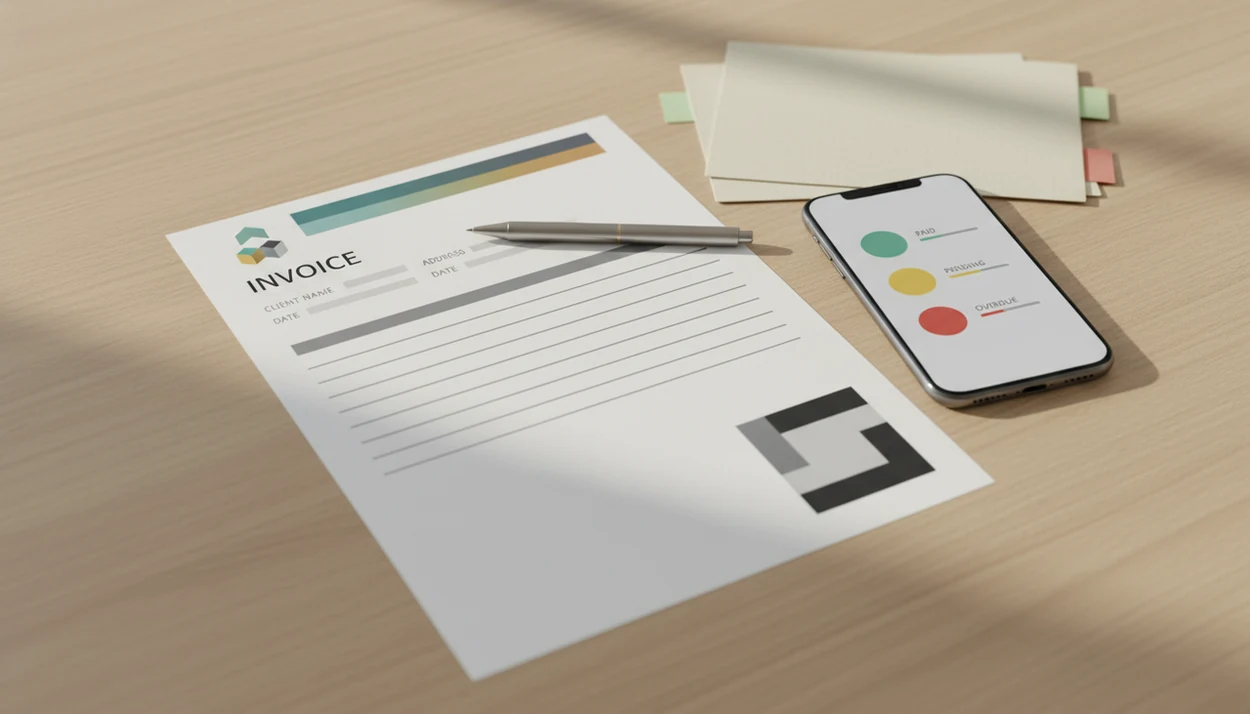
Invoice Maker Teo is a tool that can generate branded invoices with your logo, business details, PDF output, line items, taxes, reminders, and payment tracking. It is built for freelancers and small businesses that need client-ready invoices without moving into full accounting or ERP software.
> Definition: Invoice Maker Teo is an invoice maker app that creates invoices, estimates, PDFs, reminders, and payment tracking for freelancers and small businesses.
- A branded invoice tool should add your logo, business identity, client details, line items, taxes, payment terms, and PDF export.
- The best custom invoice maker workflow does more than create a document: it helps send invoices and track whether they are unpaid, paid, or overdue.
- Invoice Maker Teo focuses on mobile invoice and estimate creation for freelancers and small businesses, not payroll, tax filing, or enterprise accounting.
How tool that can generate branded invoices look
Side-by-side captures of the compared products. Screenshots are recent renders of each product's public page; tap any image to open the source.
How a tool that can generate branded invoices works
A tool that can generate branded invoices works by turning saved business details, client records, itemized work, taxes, and payment terms into a structured invoice file. The usual output is a client-ready PDF that can be sent by email, Messages, WhatsApp, or another delivery channel.
The data flow is simple. You save the business profile once, including logo, business name, address, contact details, and payment notes. Then each invoice pulls that identity into a layout with the client name, invoice number, due date, line items, tax line, subtotal, total, and notes field.
Small errors stand out fast.
That setup fits freelancers who want branded invoices because the mobile workflow keeps the document, PDF copy, reminder, and payment status tied to the same client record. Good invoice maker apps deliver invoices, estimates, PDFs, reminders, and payment tracking, not payroll or enterprise bookkeeping.
Branded invoice tool features freelancers should expect
A branded invoice tool should handle identity, billing details, delivery, and follow-up in one workflow. If it only adds a logo to a blank form, it may look branded but still leave the hard parts in your inbox.
- Logo and business identity: Add a logo, business name, address, phone, email, and consistent payment terms.
- Client and work details: Save customer details, itemized services, quantities, rates, discounts, tax, and notes.
- PDF generation: Export a clean PDF copy before sending it through Gmail, Outlook, WhatsApp, or Messages.
- Sending and reminders: Send the invoice from the same place you created it, then follow up without rebuilding the message.
- Payment status: Mark invoices unpaid, paid, or overdue so the next follow-up is based on the record, not memory.
If the priority is keeping branded invoices consistent across repeat jobs, saved logo, client record, line item, and due date fields reduce the copy-paste mistakes that happen in spreadsheets. Wave describes an 8-step invoice generator workflow on its invoice-generator page (https://www.waveapps.com/invoice-generator), and Bookipi advertises invoice creation in under a minute on its invoice-generator page (https://bookipi.com/invoice-generator/). Speed helps, but the unpaid status matters after the send button.
How to use a custom invoice maker for branded invoices
A custom invoice maker works best when you set up the reusable parts first. That keeps each new invoice focused on the job, not the formatting.
- Set your brand details, including logo, business name, address, contact details, and payment terms.
- Add the client record with the correct spelling, billing address, email, and any job reference.
- Enter line items with service names, quantities, rates, discounts, taxes, and notes.
- Review the invoice number, due date, tax line, total, and payment instructions before export.
- Generate a PDF copy and send it through your normal channel, such as email or WhatsApp.
- Track payment status and send a reminder if the invoice becomes overdue.
After a job is finished and the phone charger is stretched across the dashboard, the mobile invoice workflow earns its place because the invoice can move from line items to PDF delivery without reopening a laptop. For email-specific delivery, the steps are similar to a PDF invoice maker app.
When a branded invoice tool is better than a template
A branded invoice tool is better than a template when you invoice the same clients, reuse services, send estimates, or need payment tracking. Templates are acceptable for one-off invoices, but they get weaker when billing becomes a weekly habit.
| Need | Static invoice template | Branded invoice tool |
|---|---|---|
| One-off invoice | Usually enough | Also works |
| Repeat clients | Requires manual copying | Saves client details |
| Reusable branding | Must be maintained by hand | Stores logo and business profile |
| Estimate-to-invoice | Often retyped | Converts quoted work into an invoice |
| Reminders | Manual email follow-up | Keeps reminder tied to invoice status |
| Tracking | Usually separate spreadsheet | Shows unpaid, paid, or overdue status |
For repeat service businesses, a branded invoice tool is often easier than a template because the client record, saved services, taxes, and payment status carry into the next invoice. If you only need a document format, a professional invoice template for services may be enough.
What branded invoices look like in Invoice Maker Teo
In this workflow, branded invoices are built around a clear client-facing document: logo at the top, business details near the header, client information, invoice number, itemized work, taxes, notes, payment terms, and PDF output. The goal is not decoration. It is a readable bill the client can approve and pay without asking what changed.
A good layout helps when yesterday's copied due date is still sitting in the field. You catch it before export.
If a freelancer needs mobile invoice and estimate creation, the core workflow works because estimates, invoice sending, reminders, and payment tracking stay connected to the same client record. The brand work is practical: a consistent PDF, a clear total, and a record of whether the invoice is still unpaid. For logo-specific setup, the related invoice maker with logo guide goes deeper.
Custom invoice maker workflow for estimates and repeat clients
Do freelancers need a custom invoice maker if they send estimates first? Yes, because quoting first and invoicing later is where static documents start to waste time.
A cleaner workflow starts with an estimate for the prospect, then converts approved work into an invoice. The line items, quantities, rates, taxes, and notes should not be typed twice. That matters when the client feedback thread is still unread and the contract tab is open beside the total.
Saved branding and customer details support this repeat-client rhythm because they make the next invoice faster to prepare. The payment status view then shows which invoices are unpaid or overdue, so follow-up is based on the invoice record instead of a search through old email. Freelancers who quote before starting work can keep the next invoice easy with estimate-to-invoice conversion, saved clients, and reusable service items.
Branded invoice tool vs accounting software
A branded invoice tool focuses on invoice operations: create the invoice, make it look consistent, send the PDF, remind the client, and track payment status. Accounting software usually goes further into reconciliation, bookkeeping, payroll, tax filing, and deeper reports.
| Category | Branded invoice tool | Accounting software |
|---|---|---|
| Main job | Invoices, estimates, PDFs, sending, reminders | Books, accounts, reconciliation, reporting |
| Branding | Logo and invoice layout | May include templates, often broader than invoicing |
| Payment status | Tracks invoice status | May connect to bank feeds and ledgers |
| Payroll | Not the focus | Often included in larger platforms |
| Tax filing | Not a substitute for advice | May support tax workflows or reports |
A focused branded invoice maker is useful for invoice operations because it keeps the mobile document workflow simple: create, send, track, and follow up. FreshBooks (https://www.freshbooks.com/), Wave (https://www.waveapps.com/), Zoho Invoice (https://www.zoho.com/invoice/), and Invoice2go (https://invoice.2go.com/) may fit businesses that want broader accounting features or different payment stacks. For a lighter workflow, a simple invoice app for small business can be the better comparison point.
Limitations
Branded invoice tools are useful, but they do not remove every billing problem. The invoice can be cleaner and faster, while the business still needs good records and clear client terms.
- Invoice tools do not replace accountants, bookkeepers, or tax compliance advice.
- Payment tracking shows status, but it cannot force a client to pay faster.
- Free tools may limit branding, PDF exports, online payments, reminders, or reporting.
- A logo alone does not ensure brand consistency; line item names, terms, layout, and tone still matter.
- Fast invoice creation does not ensure local legal, tax, or record-keeping compliance; for U.S. businesses, the IRS says taxpayers are responsible for keeping records that support income, deductions, and credits (https://www.irs.gov/businesses/small-businesses-self-employed/recordkeeping).
- Status tracking may not prove that a client opened, approved, or processed the invoice.
- Broader platforms such as freshbooks.com, waveapps.com, or zoho.com/invoice may offer deeper accounting features than a focused invoice maker.
If you need branded invoices without a full accounting setup, a focused mobile invoice maker is a practical fit because it keeps logos, PDFs, estimates, reminders, and payment status in the same workflow. However, a bookkeeper may still need separate reports or source documents.
FAQ
What is a branded invoice tool?
A branded invoice tool is an app or online maker that creates invoices with a logo, business details, custom layout, and client-facing presentation. It usually includes line items, totals, taxes, payment terms, and PDF export.
Can I add my logo to a branded invoice?
Yes, logo support is a core feature of a branded invoice tool. The logo should be paired with consistent business name, address, contact details, and payment terms.
Can branded invoices be saved as PDFs?
Yes, branded invoices can usually be generated or exported as PDF files. A PDF copy is useful for email delivery, client records, and bookkeeping handoff.
Does invoice tracking guarantee payment?
No, invoice tracking does not guarantee payment. It shows payment status, such as unpaid, paid, or overdue, so follow-up is easier.
Can estimates become invoices?
Yes, many custom invoice makers let estimates become invoices. This helps freelancers avoid re-entering quoted line items after a client approves the work.
Is an invoice template enough for repeat clients?
A template can be enough for a one-off invoice. For repeat clients, an app-based invoice maker is usually easier because it saves client details, branding, line items, and tracking history.
Is a branded invoice maker the same as accounting software?
No, a branded invoice maker is not the same as accounting software. It focuses on invoices, estimates, PDFs, branding, and tracking, not bookkeeping, payroll, tax filing, or ERP functions.
What should a branded invoice include?
A branded invoice should include seller details, client details, invoice number, invoice date, due date, line items, tax, total, payment terms, and payment instructions. It should also include a logo or consistent business identity when branding is needed.